23
Additional mounting information
After booting, the Error LED of the alarm panel lights up and a warning signal
sounds every 30 seconds. The cause is that usually no SIM card (not XT1 Plus) is
inserted upon the first start-up and that the emergency battery is not fully charged.
The alarm panel interprets both as a system error. The chapter “Status” describes
how to ignore such errors.
As soon as the XT1 Plus is removed from the wall mount or the chassis of the
XT3 is opened, the tampering contact opens and a tampering alarm is triggered.
In the default settings, a tampering alarm does not sound a siren alarm when the
alarm panel is disarmed. This can be changed in the menu “Alarm system”
“Settings” “Area settings” “Tamper alarm”.
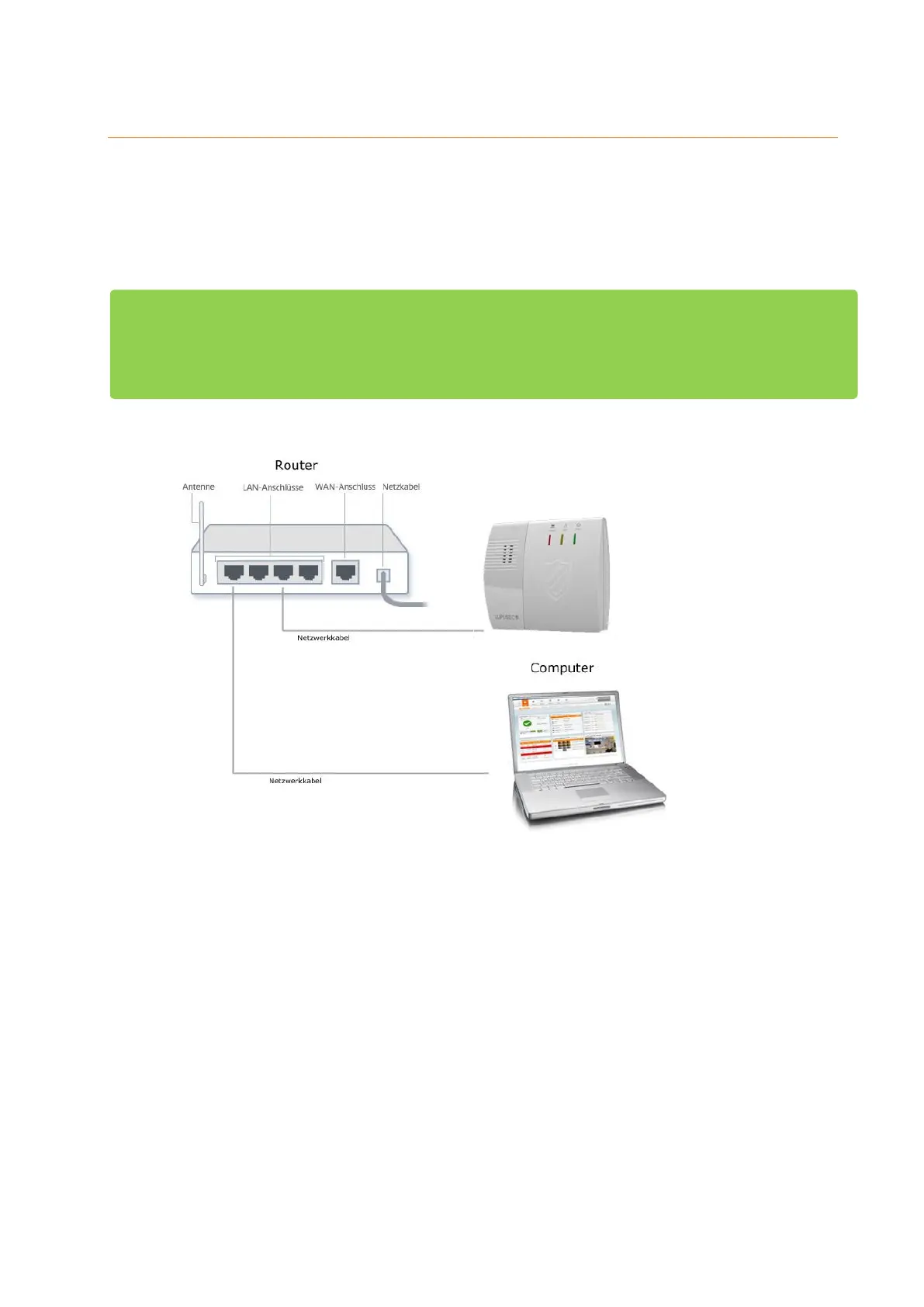
The alarm panel is not equipped with a WLAN module. Hence, to use the
network connection a Ethernet cable needs to be connected at all times.



 To Next Page