19
Connecting the XT3 alarm panel
According to the EN 50131 certification, it is required to install the alarm panel firmly to a
wall. All connectors are inside the chassis. Screws, dowels, and an installation template
are included.
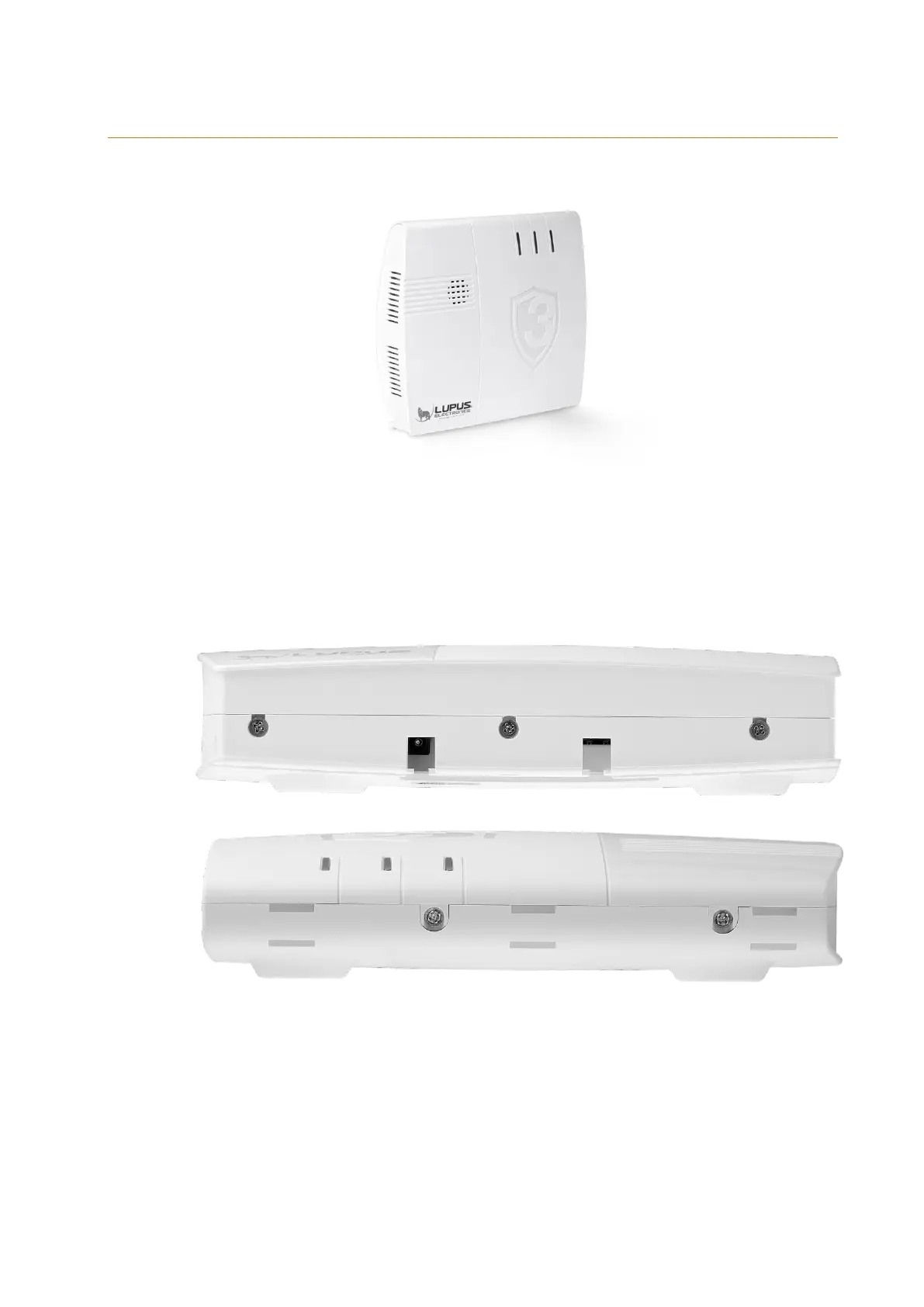
1. Use a screwdriver to open the three screws at the bottom and the two screws
at the top of the alarm panel.
Bottom:
Top:
2. Open the chassis by moving the top towards the LEDs and the bottom in the
opposite direction (see following figure). Do not use force to open the chassis!



 To Next Page