168
CO detector
Product description:
The CO detector of the LUPUSEC-XT is a sensor that detects the highly toxic carbon
monoxide gas and reports reliably and promptly to the alarm panel whenever the natural
level is exceeded, which triggers the alarm accordingly. The CO detector is battery-
operated and communicates wirelessly with the alarm panel. Cables for signal
transmission or power supply are NOT required.
Sensor data:
Dimensions: 130 x 100 x 41 mm (5.11 x 3.93 x 1.61 inches)
Weight: 280 grams (0.51 lbs)
Place of installation: Only indoors
Operating temperatures: -10 °C to +45 °C (14F to 113F)
Humidity: Maximum 85 % (non-condensing)
Radio frequency: 868.6375 MHz
Certification: DIN EN50291
Detection method: Electromechanical CO detector
Internal siren: 85 dB / 1 meter distance
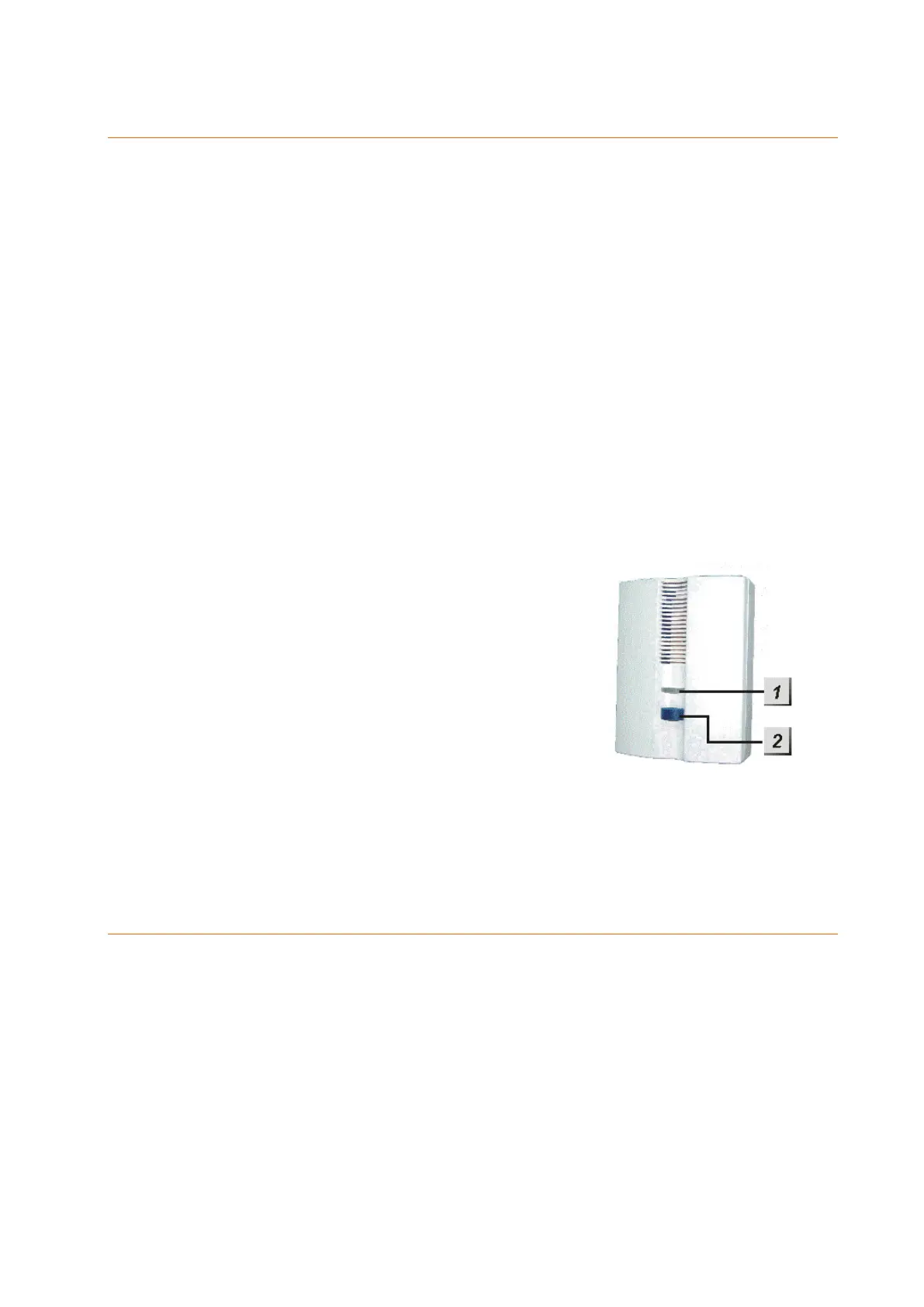
1. Two colour LED
Flashes yellow: low battery
2 x red + 2 beeps: transmission
Flashes red: Alarm
2. Learn button
Activates the learn and range mode
Deactivates alarm
Battery:
The CO detector requires three 1.5 V AA batteries. The average battery life is two years.
The CO detector will inform the alarm panel when the batteries are running low (about
two months before they are empty).
Connecting the CO detector and putting it into operation:
To put the CO detector into operation, proceed as follows:
1. Insert the supplied batteries.
2. After their insertion, the CO detector emits two short beeps and the LED lights up
once in red.
3. Open the configuration page of the alarm panel, open the menu “Sensors”
“Add”, and press “Start”.
4. Press the Learn button of the CO detector for about one second.
5. The configuration page of the alarm panel should list the CO detector.
6. Add the CO detector.



 To Next Page