140
Profile list
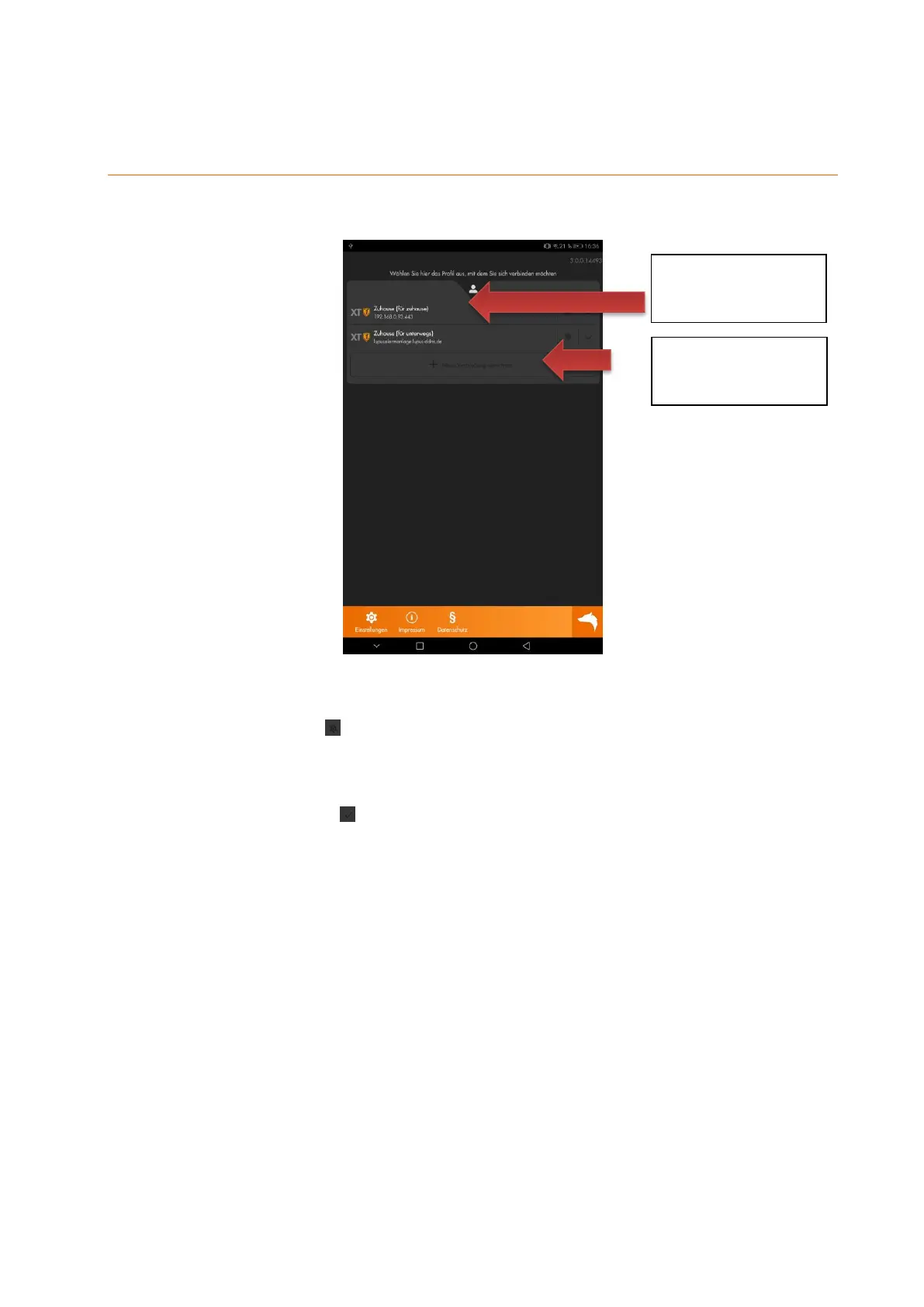
When you start the app / after creating your first profile, you see the following screen:
Press on the name of the created profile to log into your alarm panel.
Press on the gear symbol to edit the settings of the profile (e.g. username / password).
After the successful login, the main menu of the app/alarm panel opens.
Use the checkmark symbol behind the profile name to automatically connect with this
device when you start the app.
When you first access the alarm panel with your app, an automatic introduction begins.
You can always restart this introduction in the menu “Main menu” “App” “App-
settings”.
Create new or
additional profile
Tap to log in with this
profile



 To Next Page