43
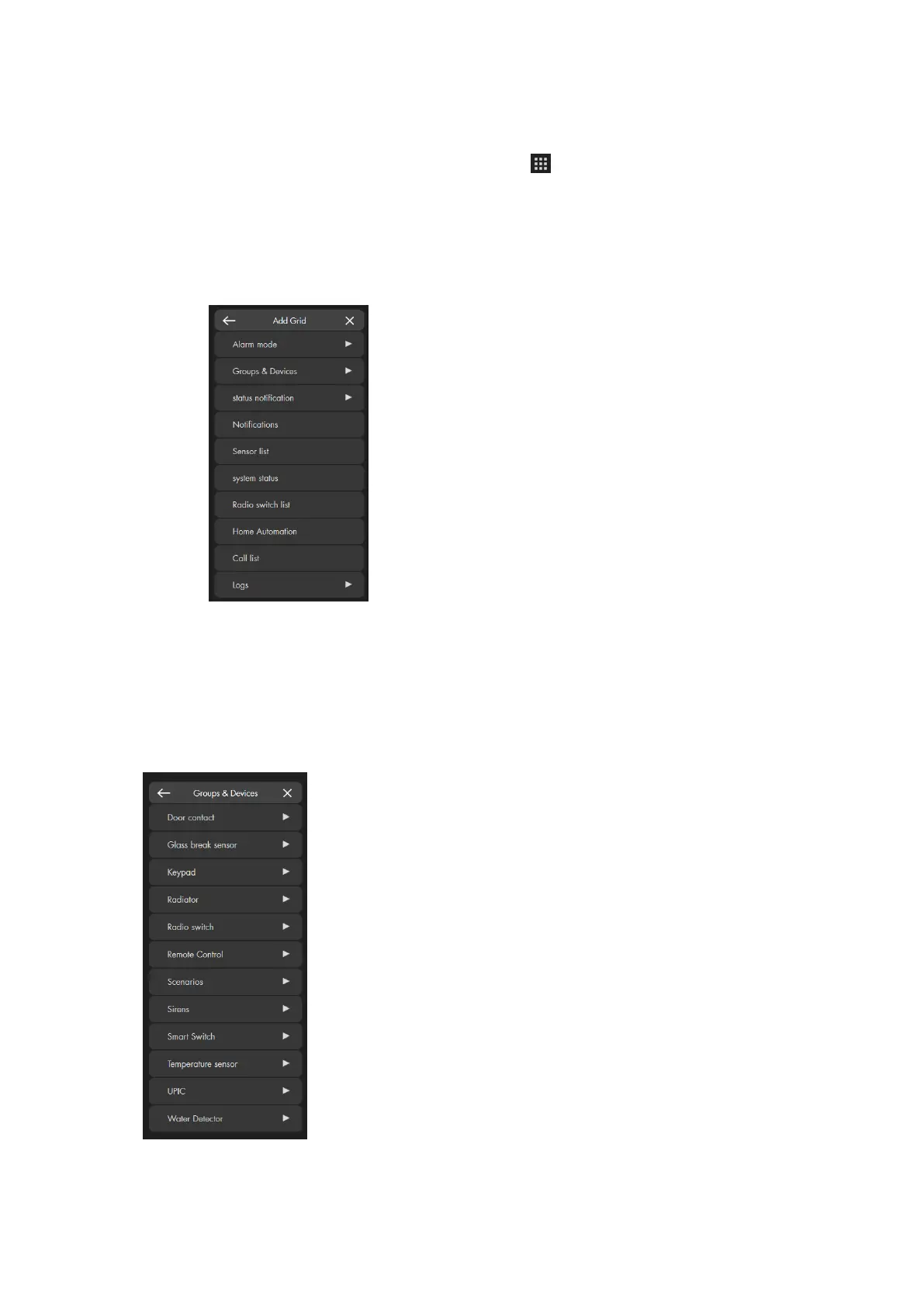
Add Grid
To adjust your overview page, please proceed as follows:
1. Open the “Control menu” (right click or ) and click on „Unlock grid“.
2. The maximum space available for apps is highlighted in grey.
3. You can drag&drop (left mouse button) to sort the apps in your unlocked
GRID.
4. To add new apps, you need to click on “Add Grid” and a list with available
apps appears.
a) Alarm mode
Use this app to change the alarm status of the alarm panel. If you e.g. set up an app
via “Alarm mode” “Area 1” “Arm”, you can arm the alarm system with one click.
b) Groups and devices
Shows a list of the available apps for sensors, groups, or scenarios. Sensors with
similar functions are grouped, because they use the same app.
Please note:
Some of these apps have functions of their own (switches, scenarios, radiator valve
thermostats), while others only display the current status (door contact, motion



 To Next Page