41
6. Camera app
This app displays the live stream of your cameras or recorders. You need to add
your cameras or recorder in the menu “Smarthome” “Cameras” in order to
display them in the GRID.
You can only add one camera app to the GRID. By pressing on the arrows at the
left and right when moving the mouse over the live stream, you can circle through
all your cameras.
Note:
The PIR network camera can only take pictures in Arm mode, but cannot supply
a live video stream. These screenshots are stored in the menu “Home”
“Capture” “Image events”.
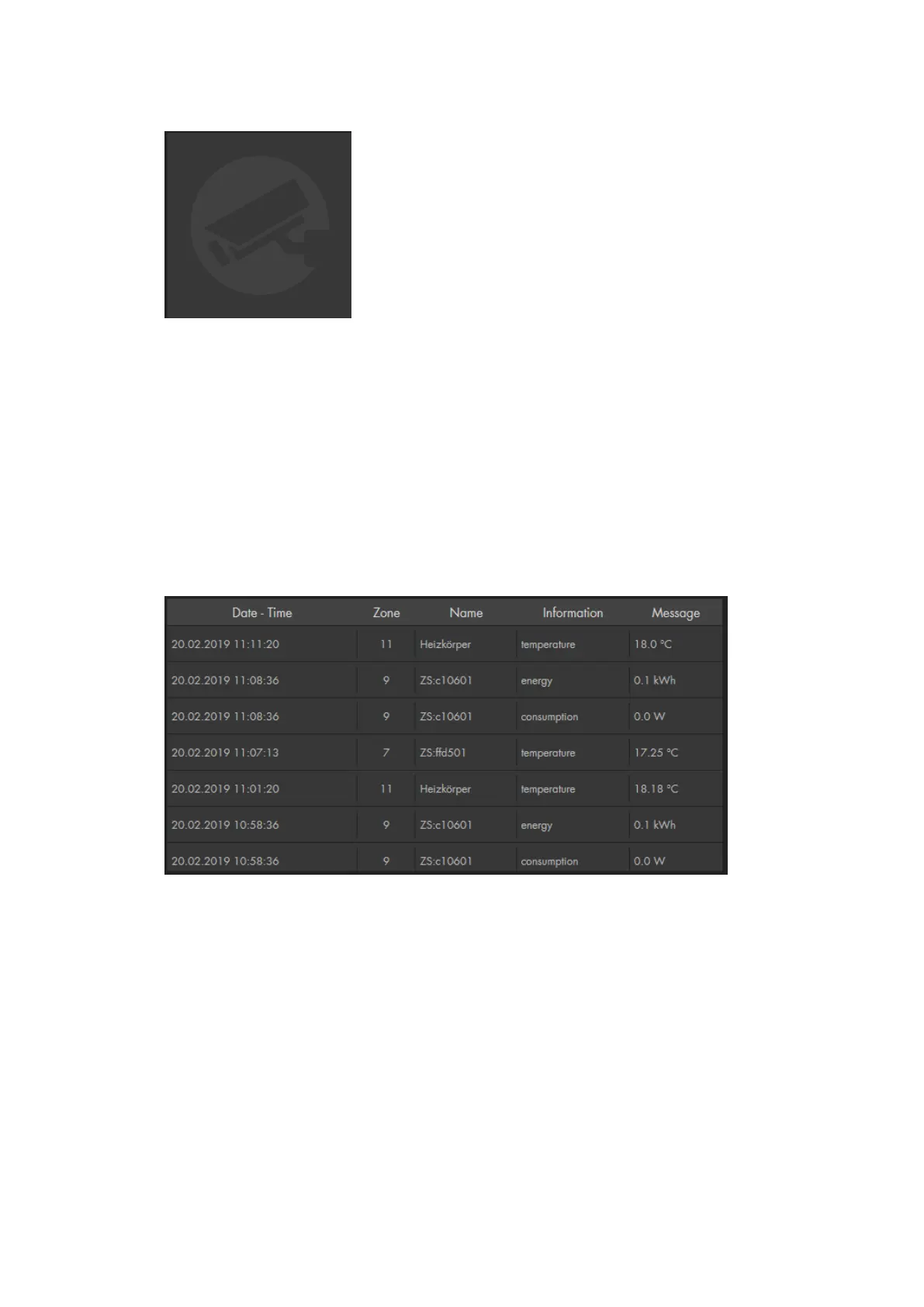
7. Sensor messages app
This app shows the recent sensor messages, e.g. temperature and power
consumption. The amount of information in this app depends upon the selected
size. If you increase the size of this app, the amount of displayed information
increases.



 To Next Page