121
Every new system error triggers a regular audio alarm. You can disable each of these
warnings with “Ignore system malfunction” .
Please note
If the list contains a system error that was not ignored, this will be indicated upon
arming or activation of the home mode.
After the restart of the alarm panel, the ignored system errors are reset.
o The alarm panel receives status information every 30-50 minutes of every
sensor.
o Directly after a restart, the alarm panel has no information about the sensors.
Hence, open sensors, or not available sensors, are not displayed accordingly.
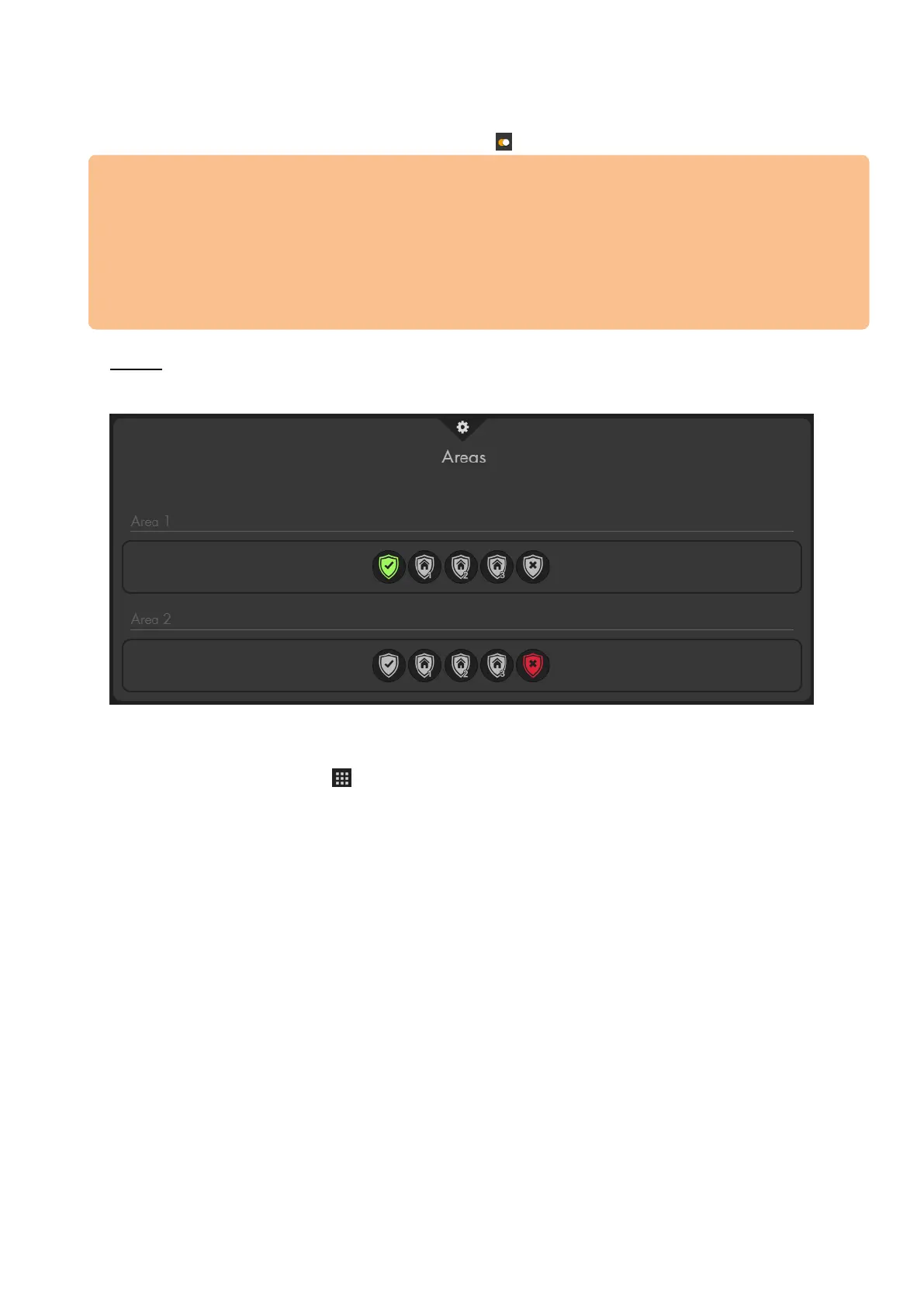
Areas
In this menu, you can see the current mode of both areas of your alarm panel and can
change the mode of both areas.
Please note:
You can change the mode of the alarm panel in every menu by using the right mouse
button or the control menu “Mode change”.



 To Next Page