144
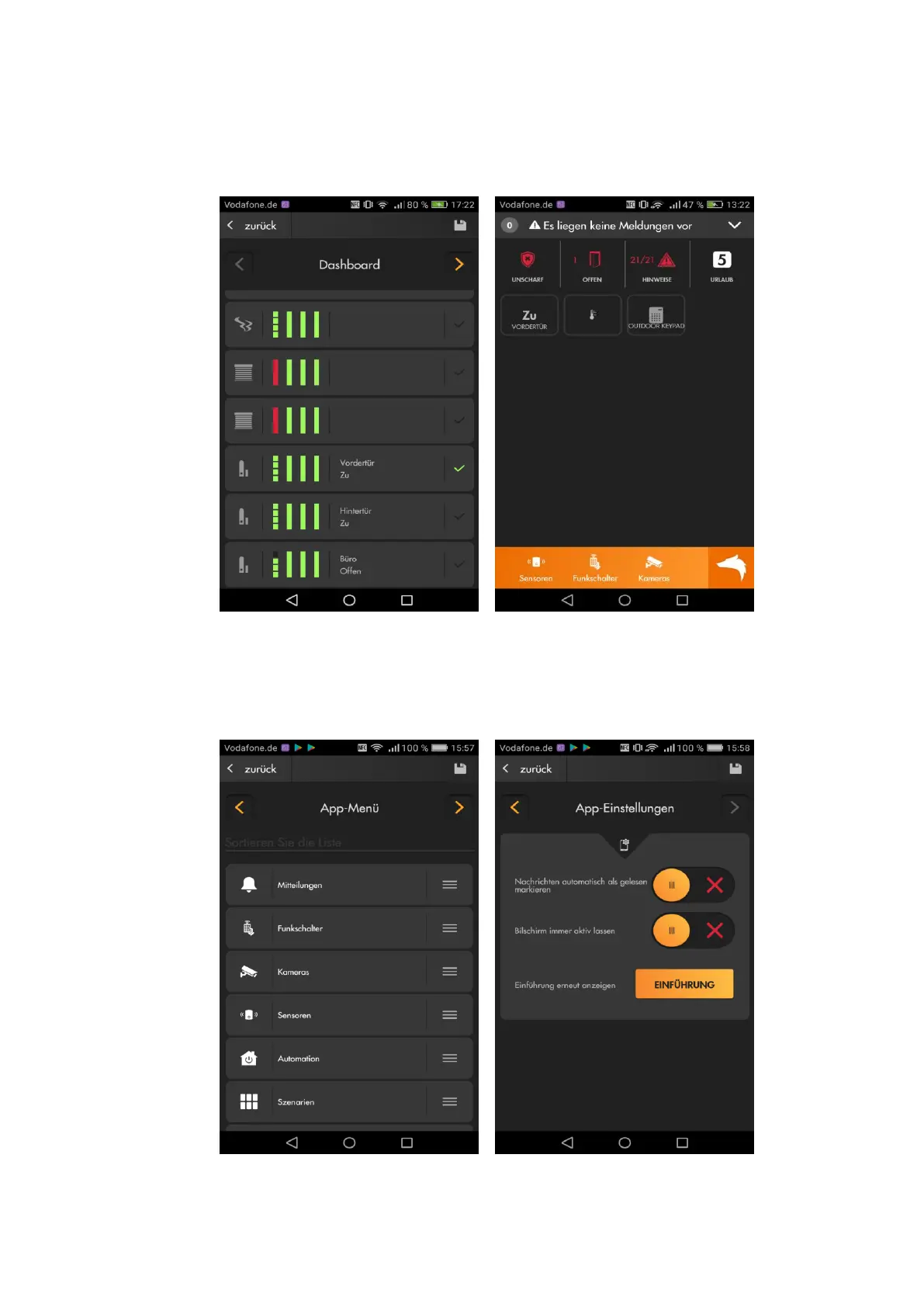
The menu App opens an overview of all your sensors and devices that can be
displayed on the dashboard. The green checkmark indicates that they are
already displayed on the dashboard.
App menu allows you to change which options are displayed at the bottom of
the app (slots 7-9).
App settings allows you to set-up if you want to have notifications marked as
read automatically. You can also set-up if the display of your smartphone should
always stay on as long as you are in the LUPUS app.



 To Next Page