191
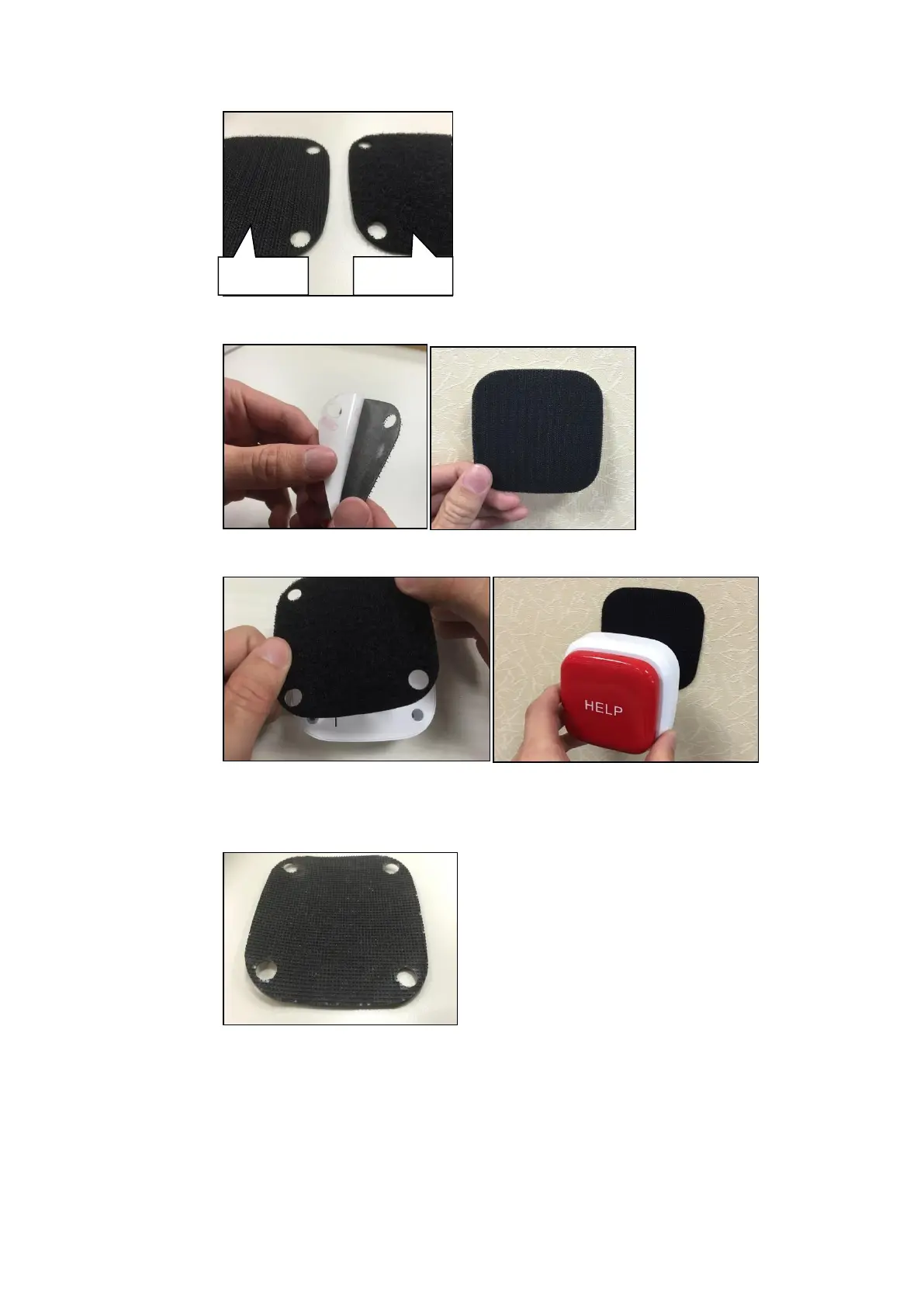
Remove the protective cover on the back of the hooks side of the Velcro
and glue this pad to the intended place of installation.
Remove the protective cover on the back of the loops side of the Velcro and
glue this pad to the back of the emergency button.
Mobile installation.
Remove the protective cover of the non-slip installation pad and glue the
pad to the back of the emergency button.
Place the emergency button at a location of your choice.



 To Next Page