226
Make sure that the red and black wires exit the mount through the opening
opposite of the bolt.
Push the bracket cover back and tightly fix it again by means of the two Phillips
screws.
Install the smaller mount for the magnetic place, similar to the lager mount of the
lock, to the door. Make sure, that the hole in the magnetic plate is directly
opposite of the bolt of the mechanical lock.
Connect the red and the black cable to the wireless relay as described above.
Installation into the door frame (without bracket – mostly only possible in wooden
doors):
Figure 3
Figure 4
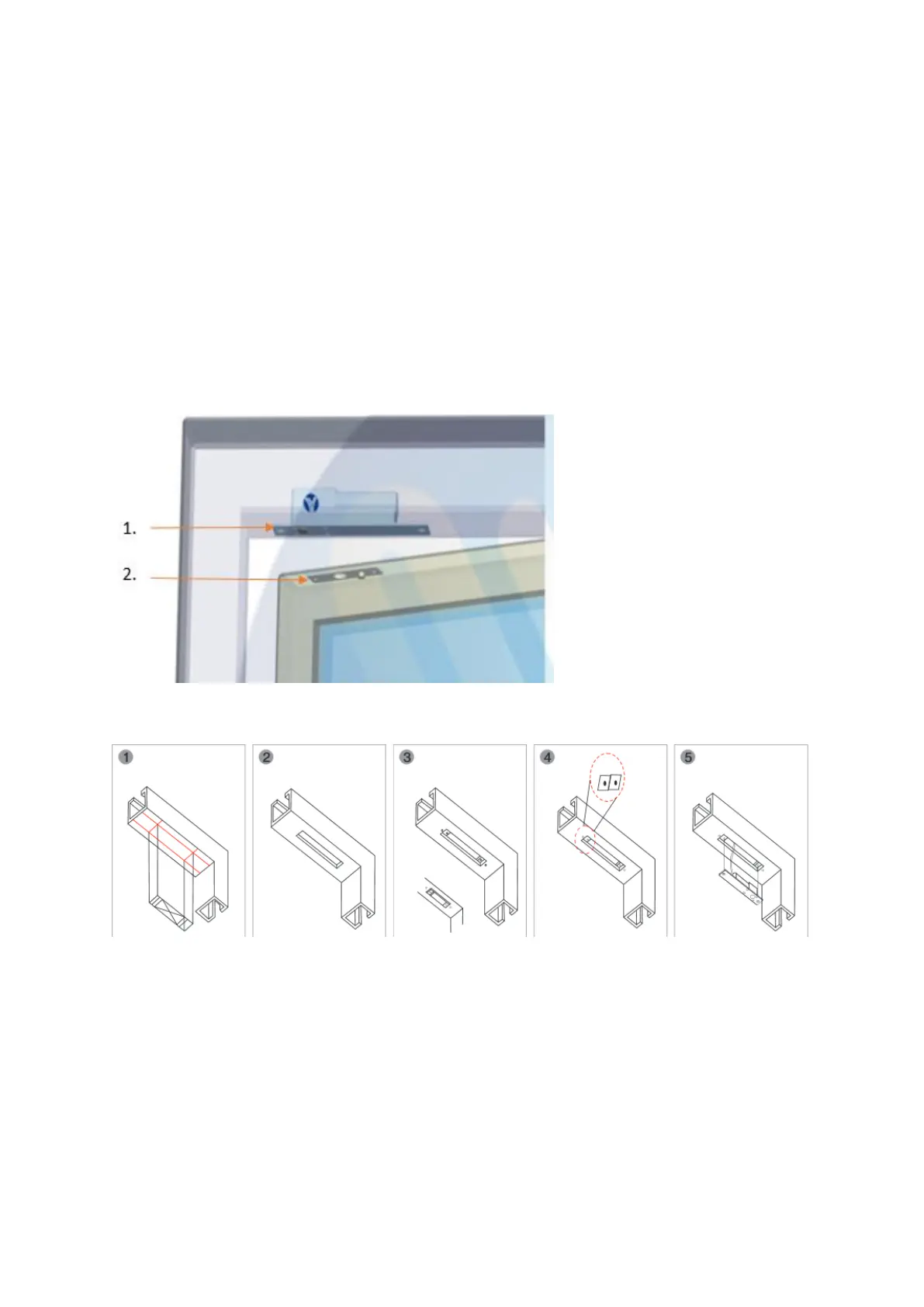
As shown in the figures 3 and 4, the mechanical lock must be sunk into the frame
(installation without bracket).
The magnetic place needs to be installed parallel to the mechanical lock on the
door hinge (see figure 1).
Mill a hole for the bolt into the door (depth: 1.6cm; Ø1.4 cm).
o Connect the red and black wire, as described above, to the wireless relay.
1. Mechanical lock
2. Magnetic plate



 To Next Page