267
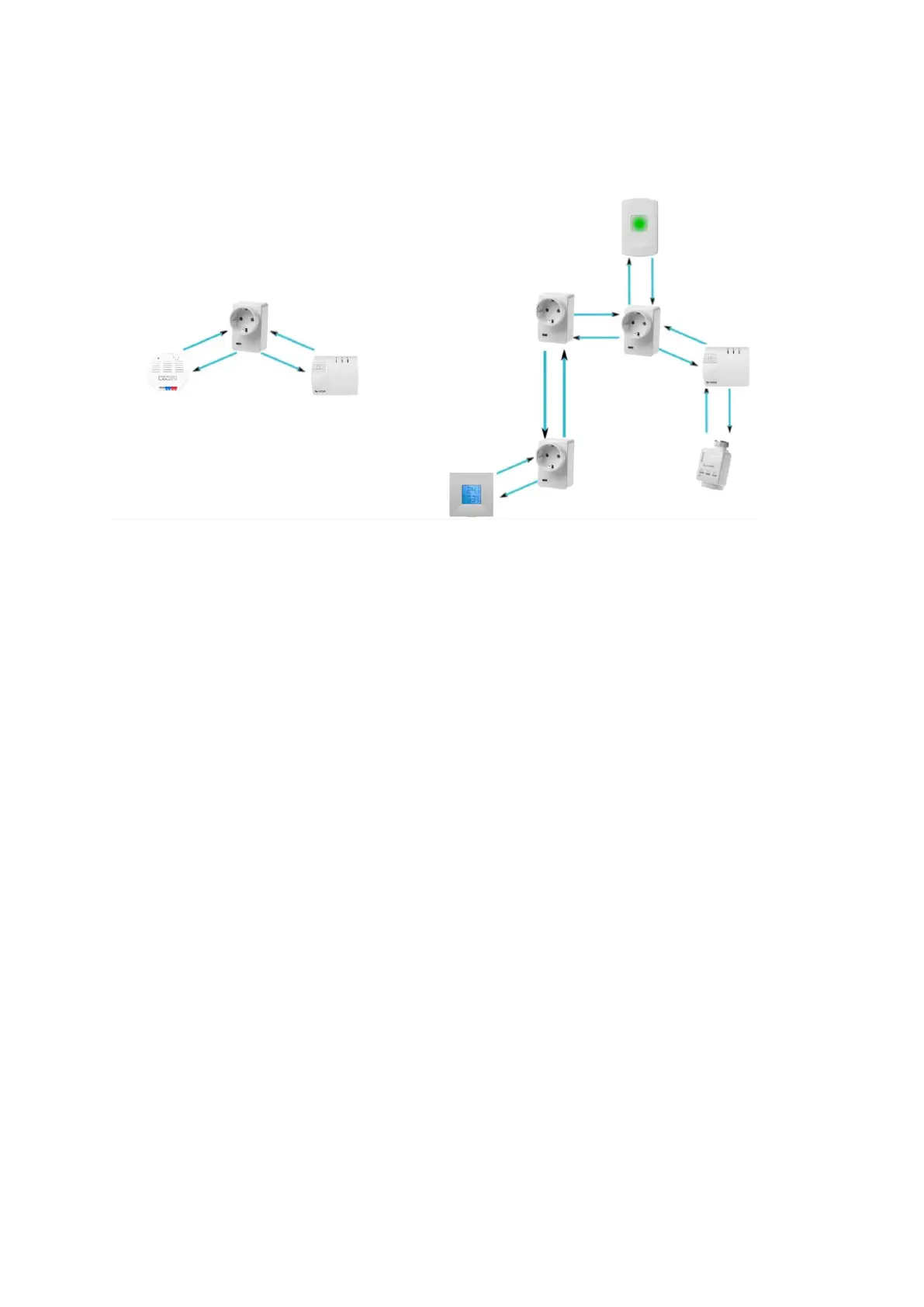
with ZigBee repeater can be connected in series. Ten other ZigBee devices can be
repeated per socket with ZigBee repeater. The wireless mains socket does not need to
be switched on in order to repeat the signals of other devices.
Note:
The power consumption in watt and the state (on/off) is displayed in the menu
“Sensors” “List” “Status”.
You can activate or deactivate the wireless power supply device manually via the
menu “Home” “Wireless plugs app” or alternatively via “Smarthome”
“Wireless plugs”.
You can set up rules for the activation of the wireless power supply device in the
menu “Smarthome” “Automation”.
After a power failure, the socket returns to the initial state within one minute.
The socket is not compatible with the wireless repeater.
The socket (and other all ZigBee devices) cannot be saved in the backup file.



 To Next Page