270
Operation
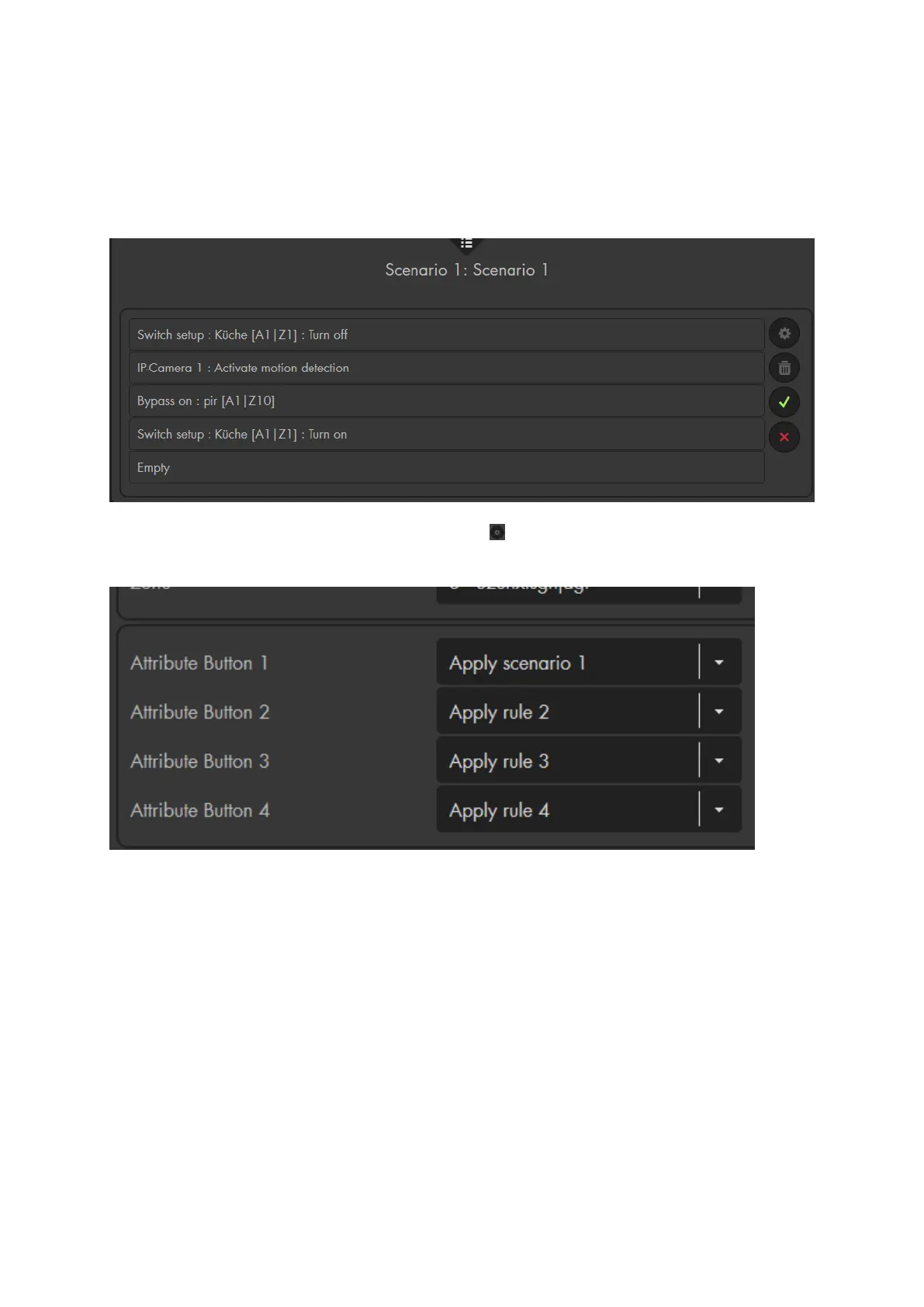
First, define the automation rules for the respective scenario via the menu “Smarthome”
“Scenarios.” For further information, please refer to the chapter “Scenarios.”
Then, go to the menu “Sensors” “List” (of the scenario switch V2) and define
which scenario should be performed when the scenario switch is used.
Note:
You can also use the buttons to trigger an alarm or a sensor event (“Smarthome”
“Automation”). Examples can be found in the automation chapter of the XT
alarm panel.
The scenario switch is not compatible with the wireless repeater and cannot be
saved in the backup file.



 To Next Page