282
Options in the edit sensor menu:
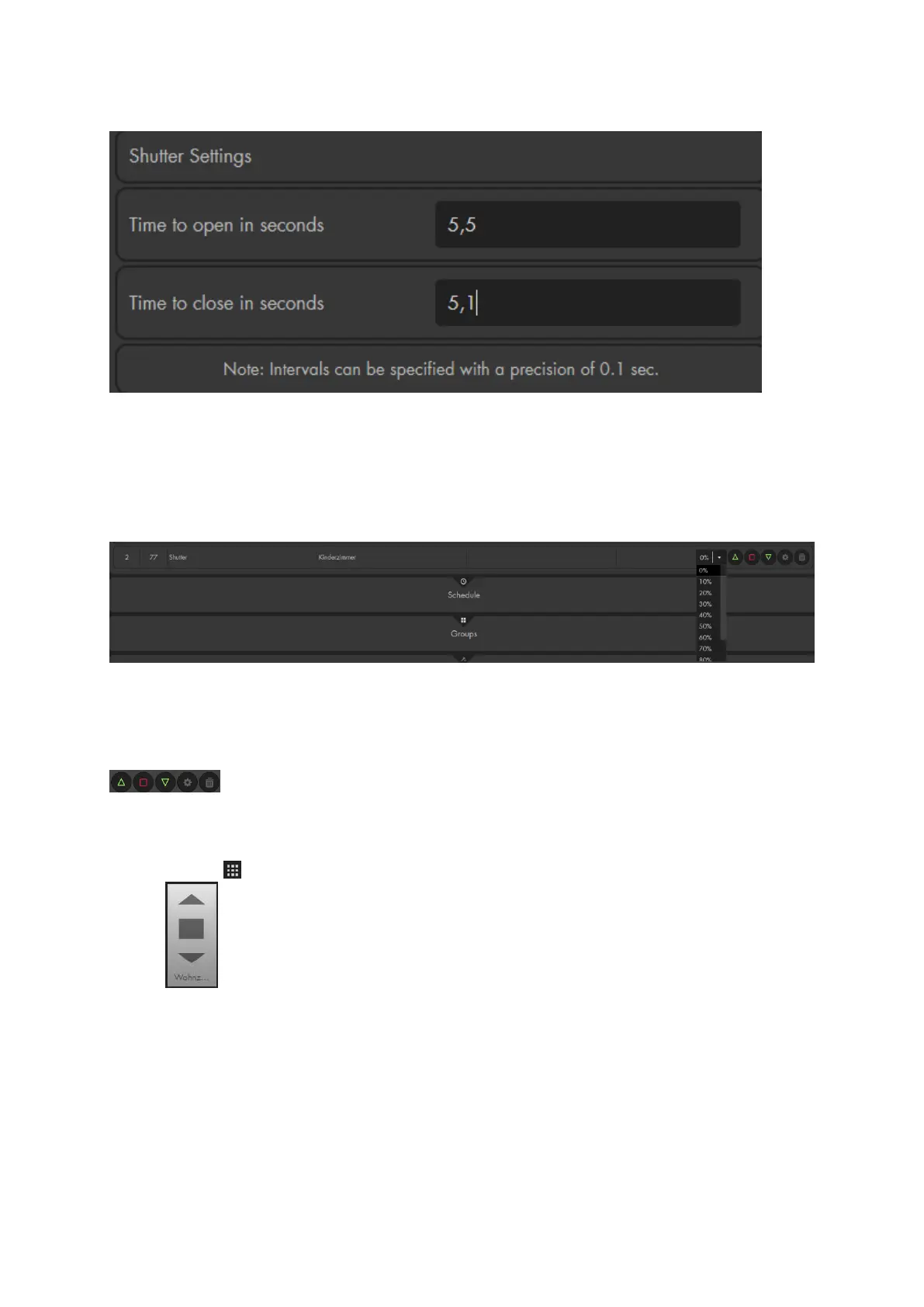
In order to use the percentage control of the shutter relay, you need to enter the exact
time your shutter need to completely open and close. It is normal that your shutter takes
a little longer to open than to close. Enter the measured time into the fields “Time to
open” and “Time to close”! If you do not enter a time, the relay stops after four
minutes.
Wireless plugs app:
In the menu “Smarthome” “Wireless plugs” you can choose to which position your
shutter should move (requires the time settings as described above). 0% closes the
shutter completely, 100% opens the shutter completely.
Controls:
You can manually control the relay via the arrow buttons in the web interface.
In order to manually stop the relay, use the stop button.
You can also add a shutter relay to your GRID interface by accessing the control
menu ( ) “Add GRID” “Groups & Devices”:
External switches:
You can use external push buttons to control the relay, including previously
installed ones.
Install the push buttons as described in the wiring diagram
In order to stop the shutter relay V2, you need to press the push button for the
opposite direction.



 To Next Page