31
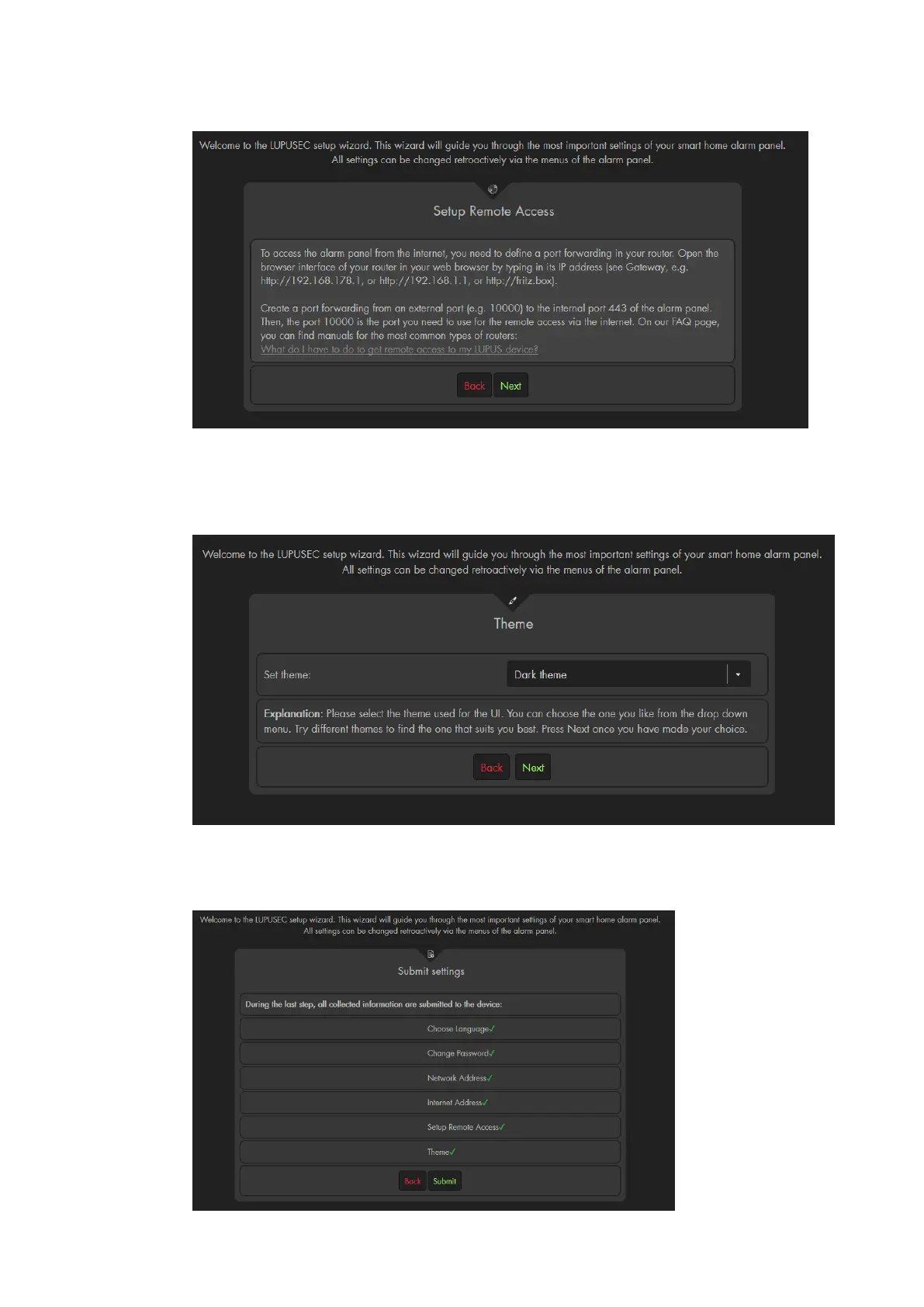
can find more information in the chapter “remote access via the internet”.
f) Now you can choose between a dark and a light theme for the user interface.
The default option is the dark theme and the manual only features the dark
theme (the only difference of the themes is the colour – all options and menus
are identical).
You can change the theme later in the menu “Alarm system” “Settings”
“Display”.
g) In the last step, all settings are transmitted to the alarm panel.



 To Next Page