321
4. Break open the notches recessed for wall mounting.
5. Use the provided screws to screw the water sensor tightly to the wall.
6. Close the housing again.
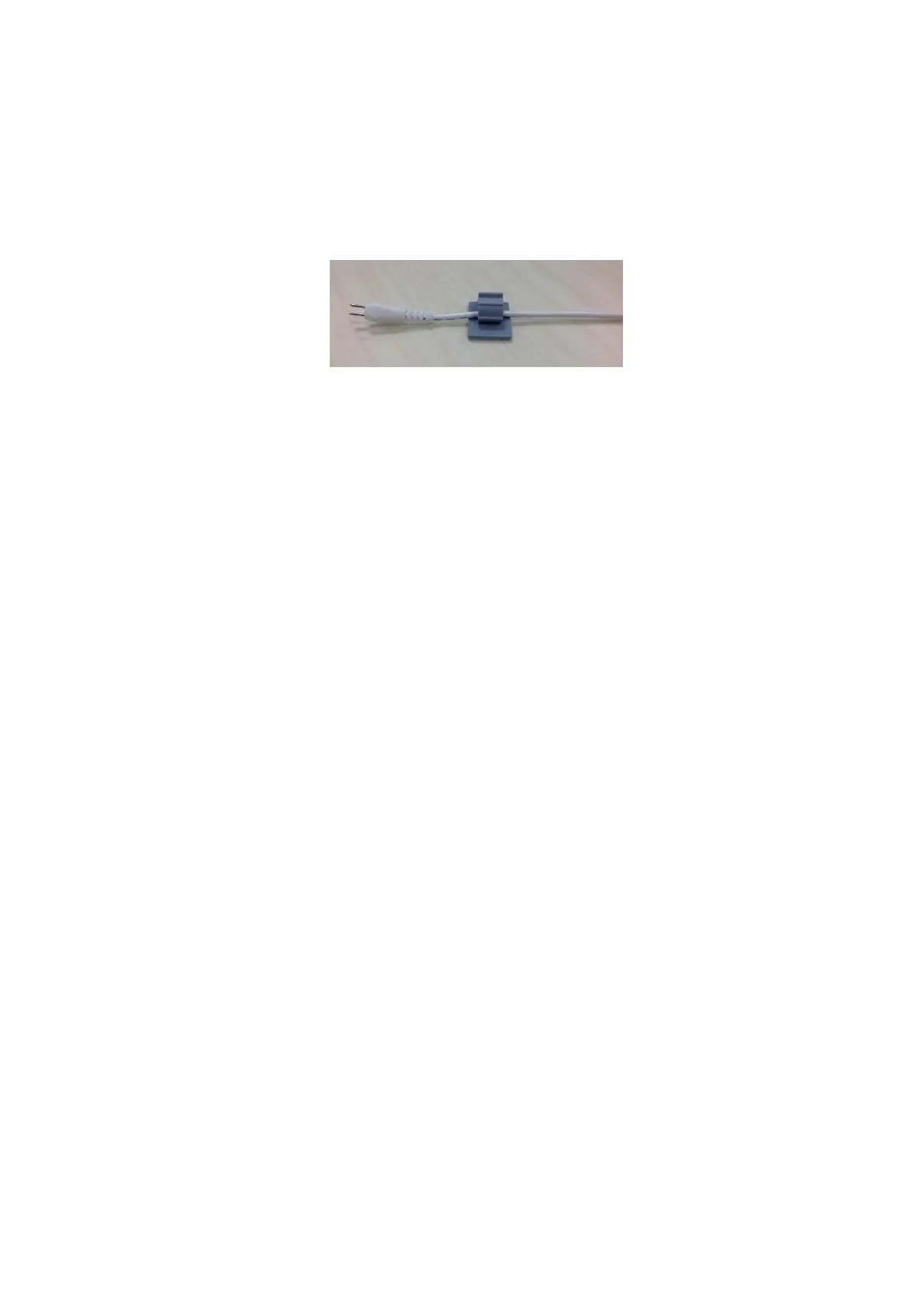
7. In order that the cable does not to hang loosely from the wall, use the plastic clips
to attach it. Remove the double-sided adhesive tape and place the cable of the
water sensor into the clip.
Floor mounting:
If the three sensors at the bottom of the water sensor’s housing detect water, it
triggers an alarm as well.
For this purpose, place the water sensor with the golden sensors facing
downwards on the floor.
Since the water sensor is not entirely watertight, you should react promptly in case
of an alarm. Otherwise, the device will possibly be destroyed/damaged by the
rising water.
Note:
In case of longer contact with water, the water sensor sends an alarm signal to the
alarm panel every ten minutes. If the water level drops again, the water sensor
returns to normal operation.
You can extend the external water probe e.g. by means of a luster terminal and
another cable.
The water sensor for XT2 Plus is not compatible with the wireless repeater and
cannot be saved in the backup file.



 To Next Page