34
2. Quick access menu
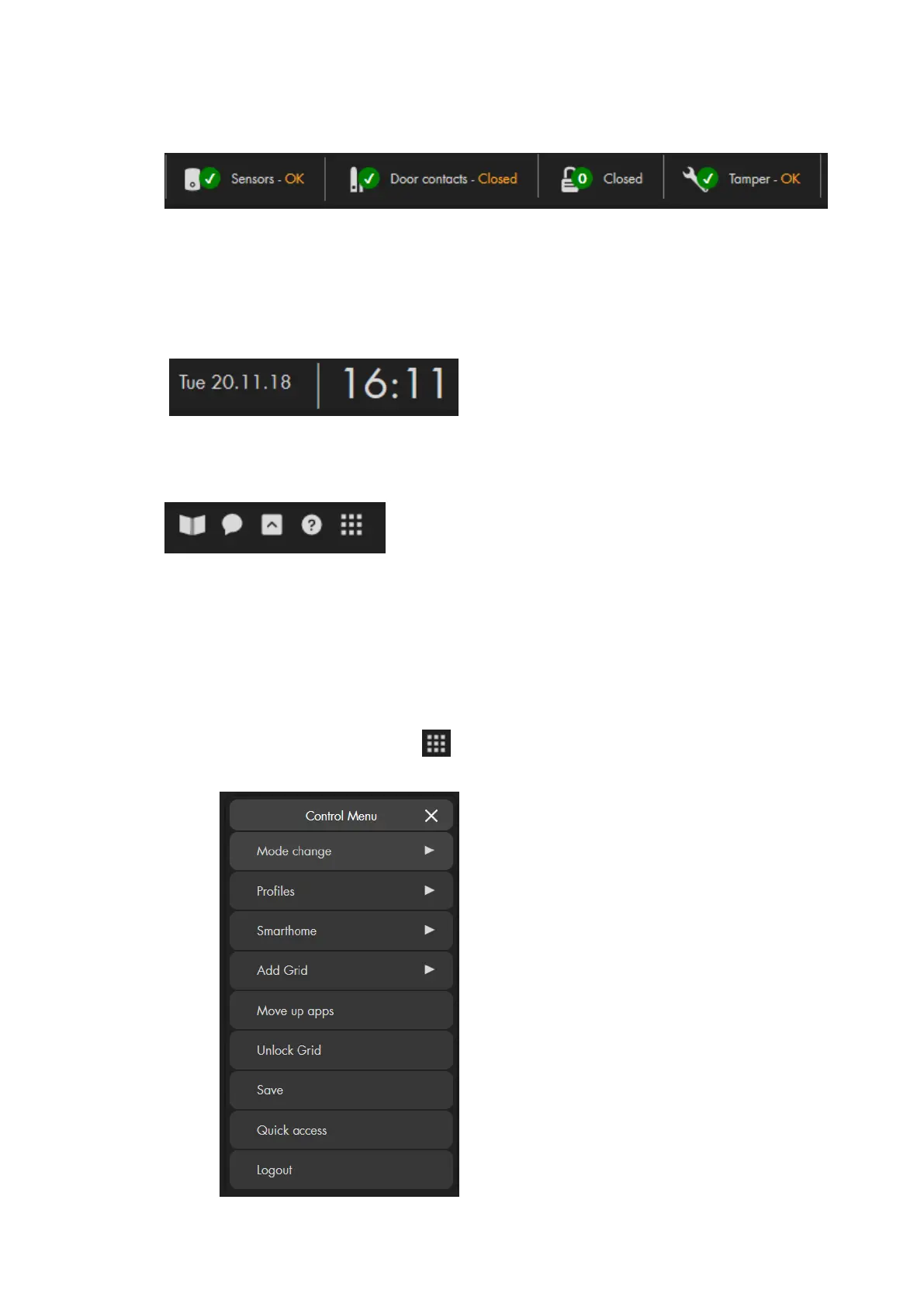
The quick access menu allows you to display important information about the
status of the alarm panel. By pressing on an item, you receive additional
information. You can define which items and in which order items are displayed in
this menu.
3. Date and time
The top right corner shows the current time and the date.
4. Help and control menus
The book icons opens the latest manual as a PDF file (internet connection
required).
The speech bubble opens the FAQs (frequently asked questions) on our
website.
The arrow icon allows you to hide or show the quick access menu.
The question mark opens starts the guide that explains the GRID interface
and the main menus. This symbol is only shown in the “Home” menu.
The icon with the 9 dots opens the control menu. This menu can also
be accessed by right clicking in any other menu.
Please note:
In the “Home” menu, the control menu
offers you additional options for the GRID
interface (the “Home” menu): “Profiles”,”
Add Grid”, “Move up apps”, “Unlock grid”,
and “Save”. These options are explained in
the chapter “Home menu (GRID)
configuration”.



 To Next Page