36
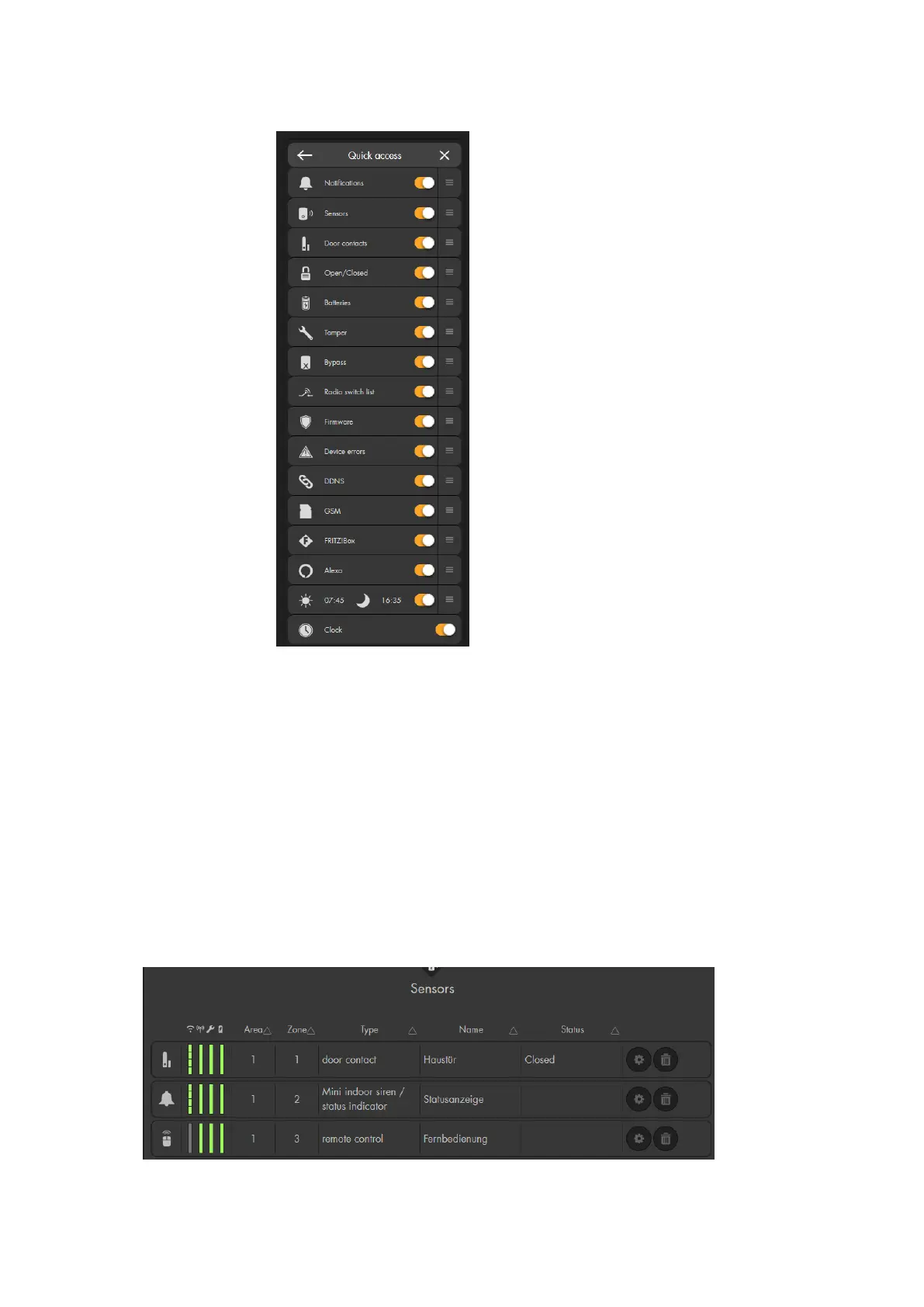
o Quick access
This menu allows you to define which information is shown in the
quick access menu (2).
You can change the order of the items via drag&drop (holding the
left mouse button and moving the item).
o Logout
Allows you logout of the user interface of the alarm panel.
5. Configuration menu
Use this menu to make settings and configurations of the selected sub-menu. The
content changes according to the selected menu (e.g. the menu “list” contains the
“sensor list” and “alarm overview”.
Example: Sensor list:



 To Next Page