74
Settings
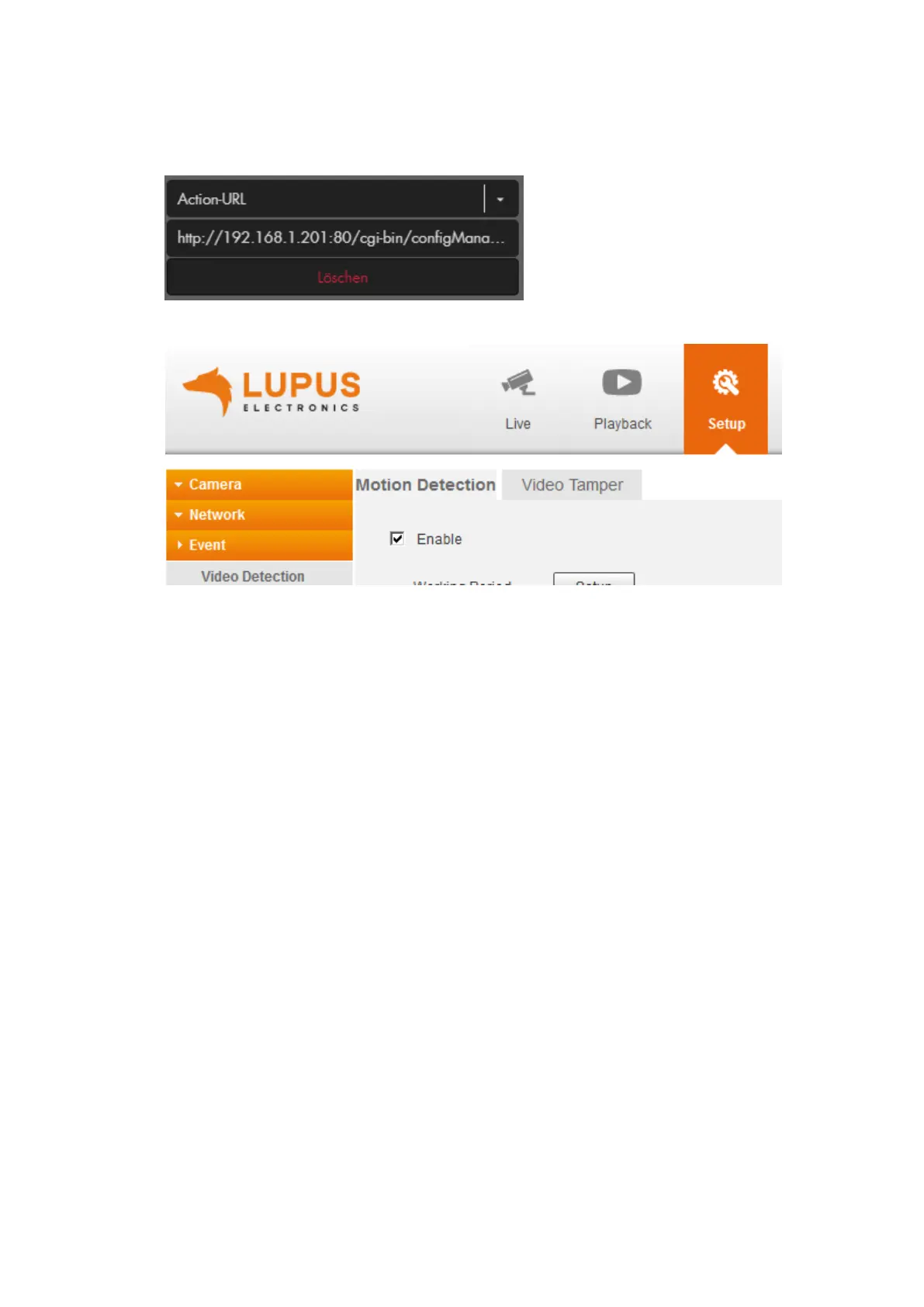
The settings are identical to the settings in example 5.1. Only the “Action URL”
command is different
After arming the alarm panel, the motion detection areas of the camera are
activated:
If you want to deactivate the motion detection upon disarming the alarm panel,
you need to create another home automation rule and use “condition” “disarm”
instead of “arm” and you need to change “&MotionDetect[0].Enable=true”
(activates the motion detection) at the end of the CGI command to
“&MotionDetect[0].Enable=false” (deactivates the motion detection).
Please note for LE 203
The camera LE 203 features an audio detection. You can use the following syntax
http://IP-Adresse:Port/cgi-bin/configManager.cgi?action=setConfig&AudioDetect[0].Muta
tionDetect=true&user=username&password=password to activate the audio detection.
Using MutationDetect=false disables the audio detection.



 To Next Page