77
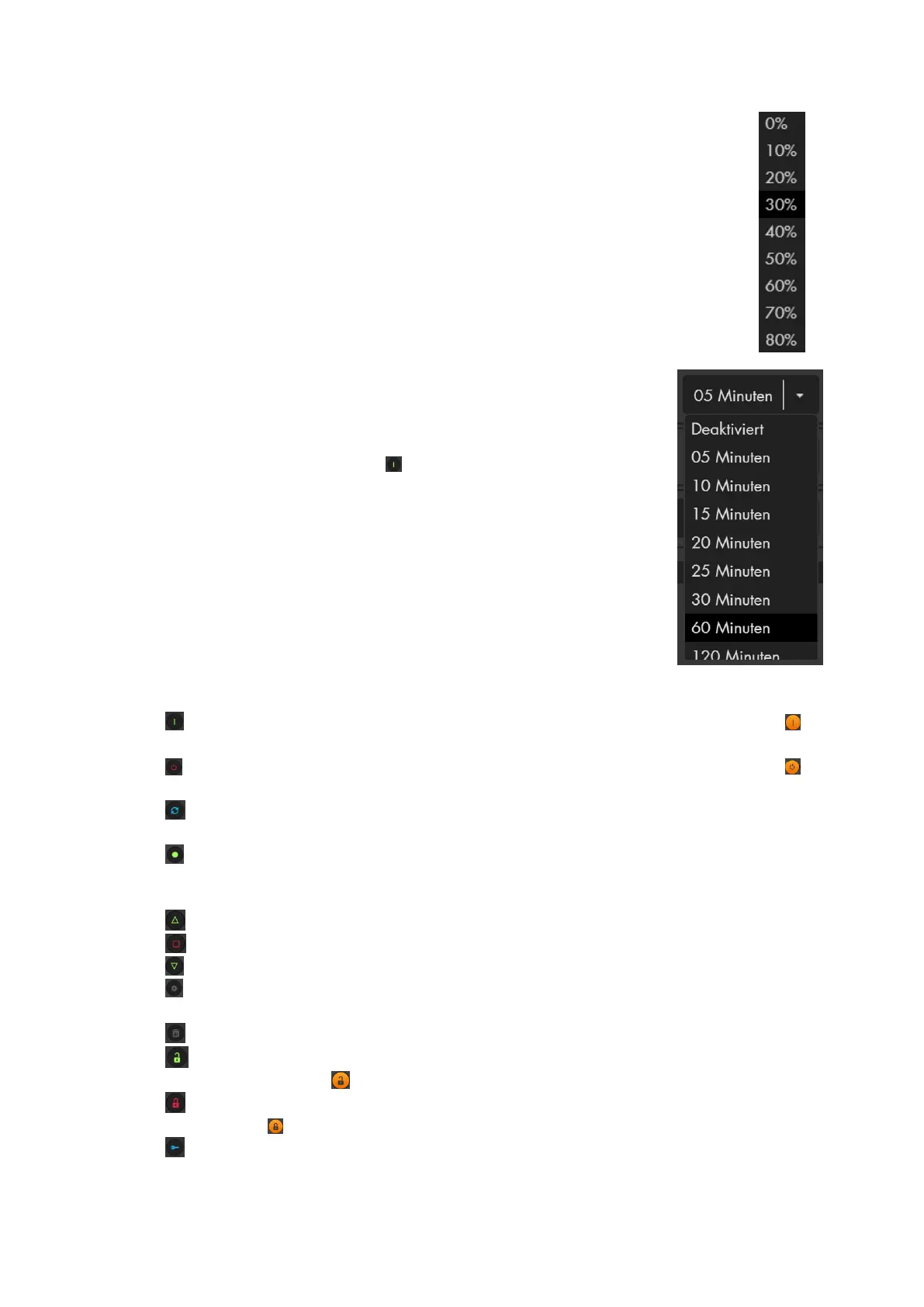
Percentage drop-down menu
o Allows you to adjust the brightness of your dimmer.
o Allows you to open / close your shutters to the selected degree
(100% = open / 0% = closed)
Time drop-down menu
o When the PSS device switched off, you can select
from the drop-down menu, for how long the selected
PSS device is to be switched on. Select the required
time and press the „ . If the PSS is switched on, this
dropdown menu has no function.
/ On: Switches the PSS device on. If the icon has an orange background , the
device is already switched on.
/ Off: Switches the PSS device off. If the icon has an orange background , the
device has already switched off.
/ Switch: Changes the status of the PSS device. If a PSS devices is switched
on, this button switches it off and vice versa.
/ Run trigger (only available if the trigger mode of the PSS device is activated):
Pressing this button switched the PSS devices on briefly and immediately switches
it off again.
/ Up (only shutter relay): Opens the connected shutter.
/ Stop (only shutter relay): Stops the connected shutter at its current position.
/ Down (only shutter relay): Closes the connected shutter.
/ Edit: Opens the sensor editing menu of the respective PSS device (see
chapter “Edit sensors”).
/ Delete: Deletes the sensor from the sensor list.
/ Unlock (only door lock): Unlocks your door lock. If the symbol has an
orange background , it is already unlocked.
/ Lock (only door lock): Locks your door lock. If the symbol has an orange
background , it is already locked.
/ Unlatch (only door lock): Opens the lock briefly (door buzzer)



 To Next Page