WAGO-I/O-SYSTEM 750 Commissioning 121
750-8100 PFC100; 2ETH; ECO
Manual
Version 1.6.0, valid from FW Version 03.02.02(14)
7.8.1.13 “Configuration of User Filter” Page
7.8.1.13.1 “User Filter” Group
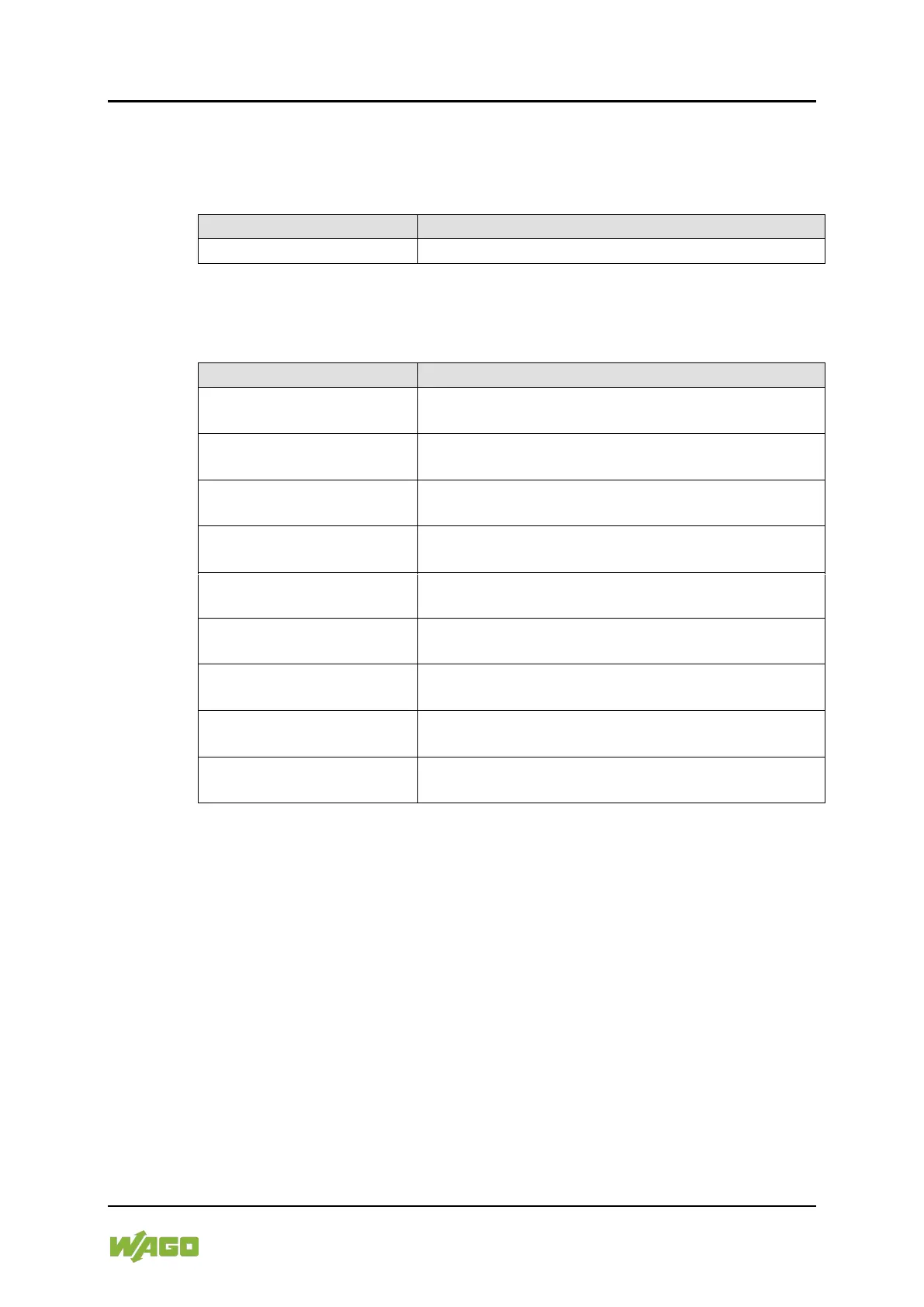
Table 55: WBM “Configuration of User Filter” Page – “User Filter” Group
The number of configured user filters is displayed.
7.8.1.13.2 “User Filter n” Group
Table 56: WBM “Configuration of User Filter” Page – “User Filter n” Group
The source IP address for the respective filter entry
is displayed.
This displays the source network for the
corresponding filter entry.
The source port number for the respective filter entry
is displayed.
The destination IP address for the respective filter
entry is displayed.
The destination network mask for the respective
filter entry is displayed.
The designation port number for the respective filter
entry is displayed.
The permitted protocols for the respective filter is
displayed.
The permitted interfaces for the respective filter are
displayed.
This displays whether the network device is allowed
or excluded by the filter.
Click the appropriate [Delete] button to remove a configured filter. The change is
effective immediately.



 To Next Page