30 Device Description WAGO-I/O-SYSTEM 750
750-8100 PFC100; 2ETH; ECO
Manual
Version 1.6.0, valid from FW Version 03.02.02(14)
3.3 Connectors
3.3.1 Data Contacts/Local Bus
Do not place the I/O modules on the gold spring contacts!
Do not place the I/O modules on the gold spring contacts in order to avoid soiling
or scratching!
Ensure that the environment is well grounded!
The devices are equipped with electronic components that may be destroyed by
electrostatic discharge. When handling the devices, ensure that the environment
(persons, workplace and packing) is well grounded. Avoid touching conductive
components, e.g. data contacts.
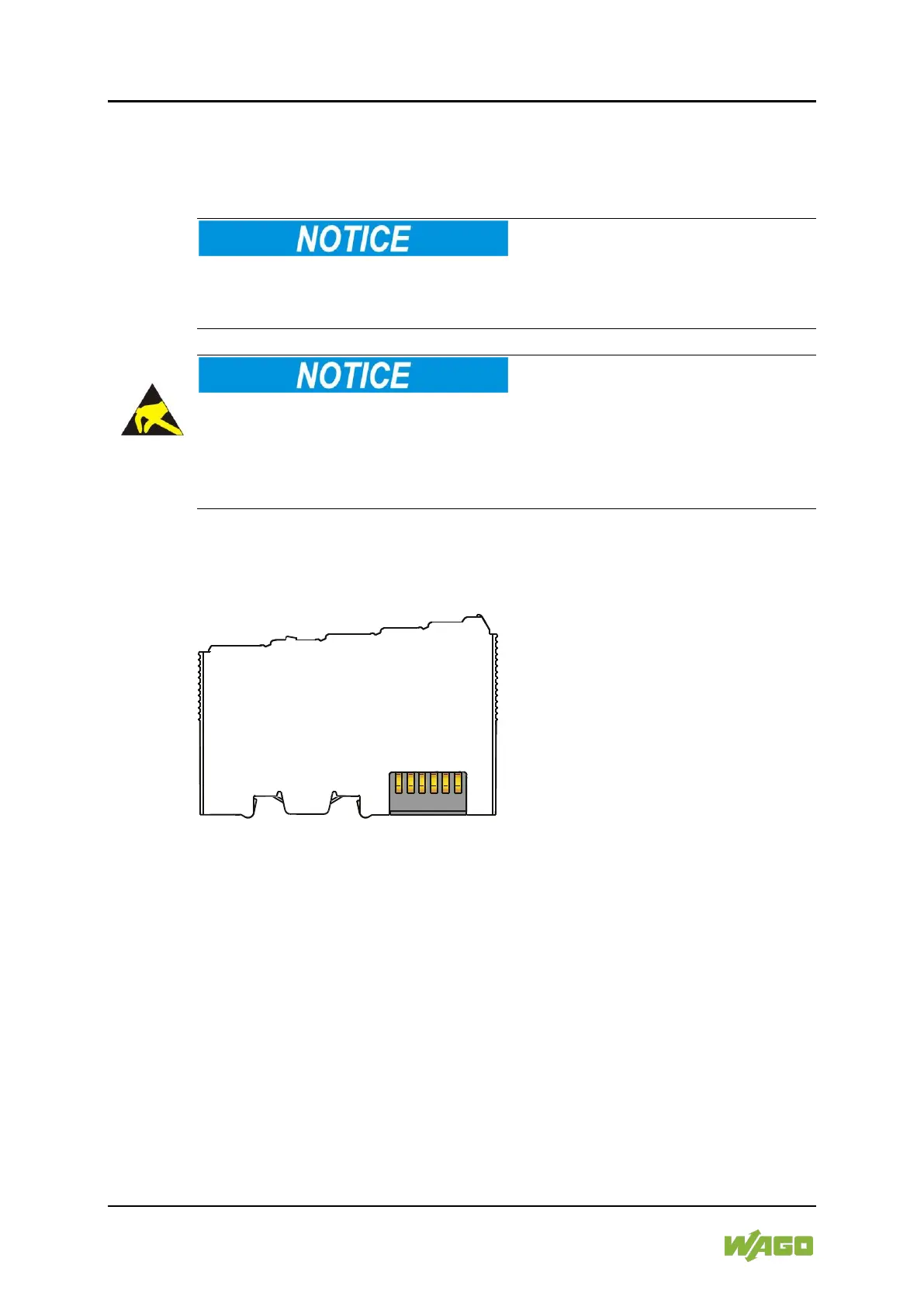
Communication between the controller and the I/O modules and system power
supply for the I/O modules is provided via the local bus, which consists of 6 data
contacts designed as self-cleaning gold spring contacts.
Figure 3: Data Contacts



 To Next Page