WAGO-I/O-SYSTEM 750 Commissioning 213
750-8100 PFC100; 2ETH; ECO
Manual
Version 1.6.0, valid from FW Version 03.02.02(14)
7.8.2.12.5 “SNMP” > “(Secure)SNMP firewalling” Submenu
These submenus contain the SNMP firewall settings.
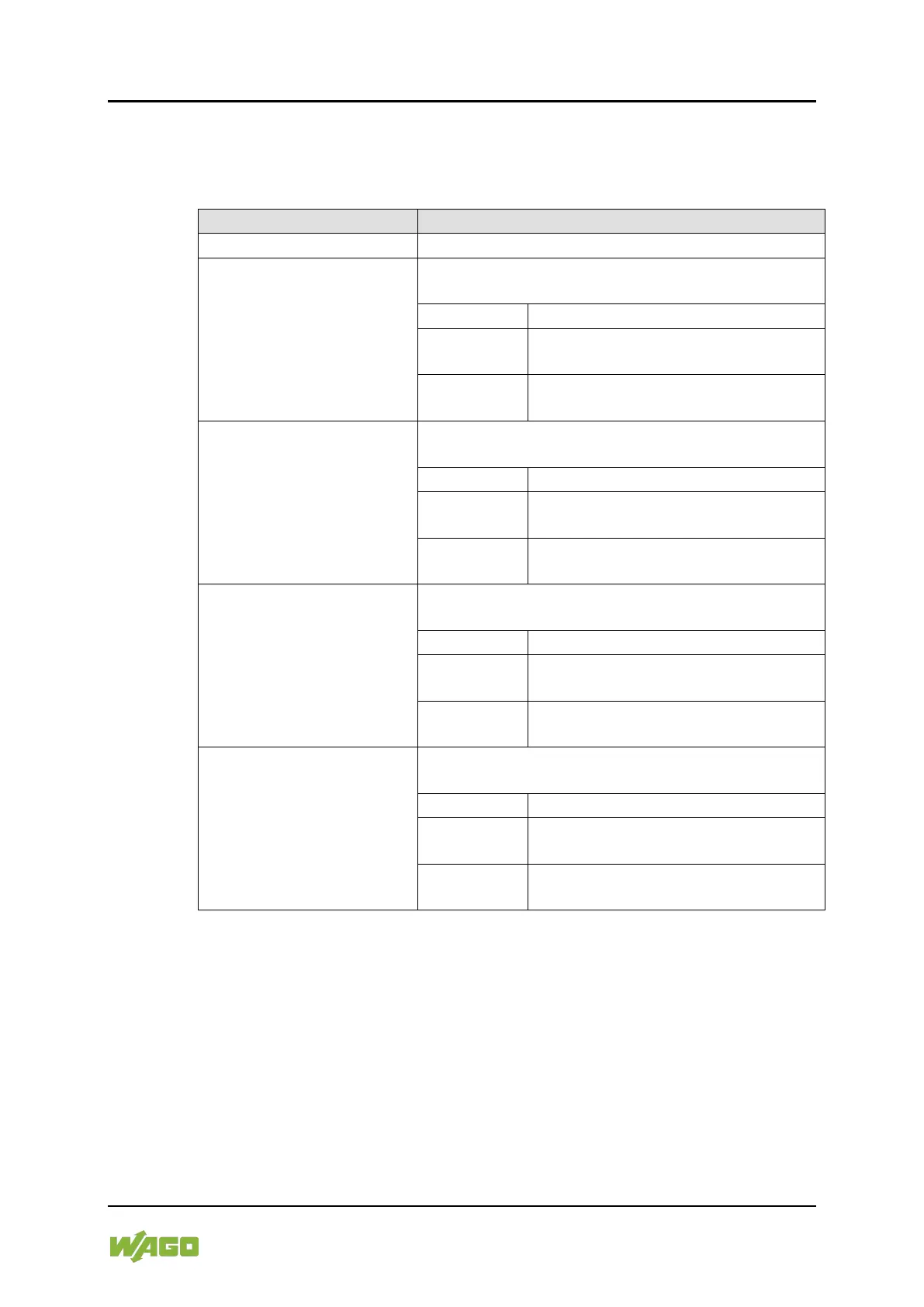
Table 178: “SNMP” > “(Secure )SNMP firewalling” Submenu
Submenu Item / Explanation
Back to the higher-level menu
Enable or disable the firewall for the VPN interface
and respective service.
Back to the higher-level menu
Data traffic via the VPN interface is
permitted.
Data traffic via the VPN interface is
not permitted.
Enable or disable the firewall for the WAN interface
and respective service.
Back to the higher-level menu
Data traffic via the WAN interface is
permitted.
Data traffic via the WAN interface is
not permitted.
Enable or disable the firewall for the X1 interface
and respective service.
Back to the higher-level menu
Data traffic via the X1 interface is
permitted.
Data traffic via the X1 interface is not
permitted.
Enable or disable the firewall for the X2 interface
and respective service.
Back to the higher-level menu
Data traffic via the X2 interface is
permitted.
Data traffic via the X2 interface is not
permitted.
To make a selection, choose the appropriate menu item.
To return to the higher-level menu, press [Q].



 To Next Page
 Loading...