210 Commissioning WAGO-I/O-SYSTEM 750
750-8100 PFC100; 2ETH; ECO
Manual
Version 1.6.0, valid from FW Version 03.02.02(14)
7.8.2.12 “SNMP” Menu
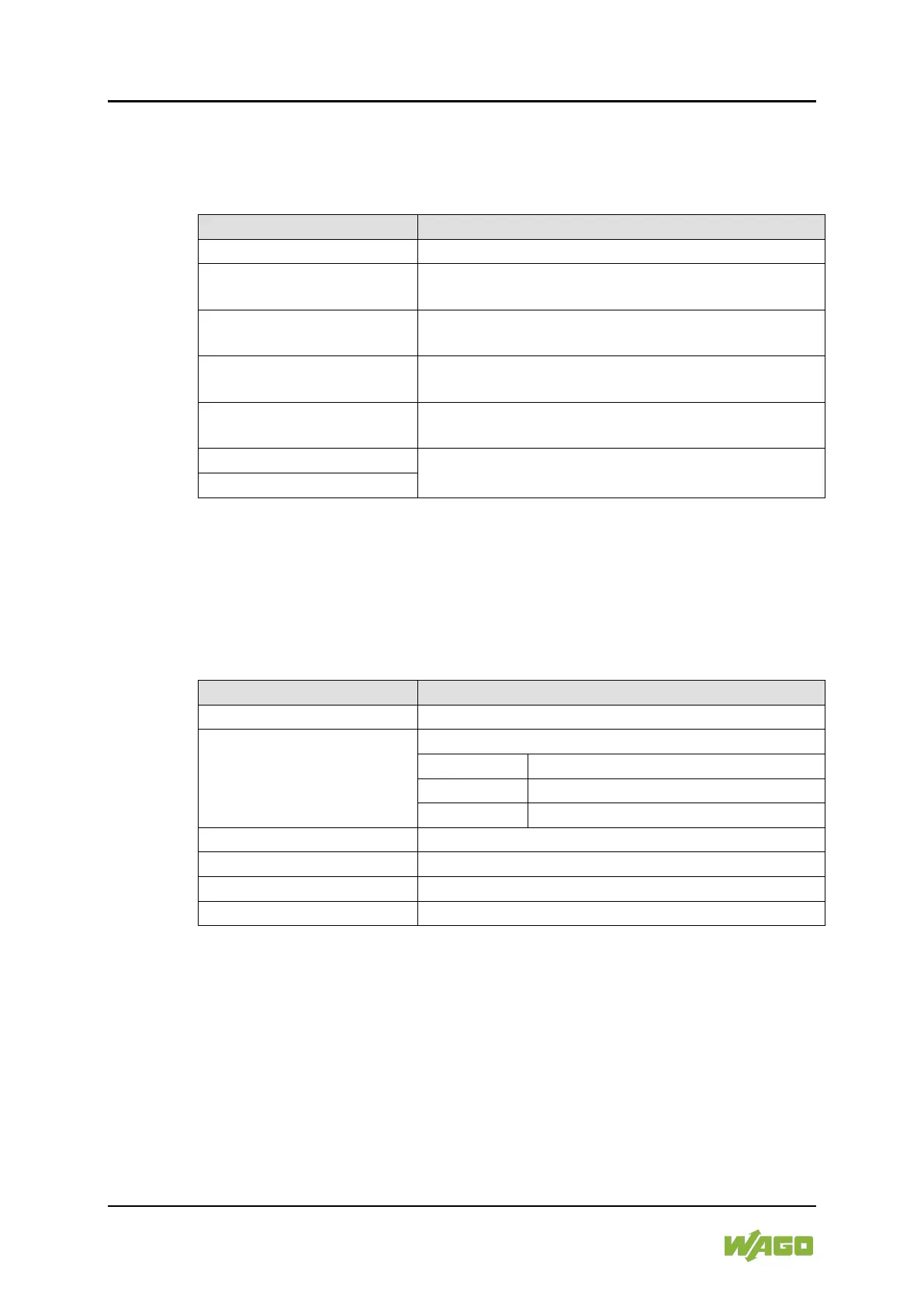
This menu contains other submenus with the SNMP settings.
Back to the higher-level menu
1. General SNMP
Configuration
Opens a submenu with general SNMP settings
2. SNMP v1/v2c Manager
Configuration
Opens a submenu with settings for the SNMP
v1/v2c Manager
3. SNMP v1/v2c Trap
Receiver Configuration
Opens a submenu with settings for the SNMP
v1/v2c trap receivers
Opens a submenu with settings for the SNMP v3
configuration
Opens a submenu with firewall settings for SNMP
6. Secure SNMP firewalling
To make a selection, choose the appropriate menu item.
To return to the higher-level menu, press [Q].
7.8.2.12.1 “SNMP” > “General SNMP Configuration” Submenu
This submenu contains the general SNMP settings.
Table 174: “SNMP” > “General SNMP Configuration” Submenu
Submenu Item / Explanation
Back to the higher-level menu
Enable or disable the SNMP service.
Back to the higher-level menu
The SNMP service is enabled.
The SNMP service is disabled.
Enter here the device name (sysName).
Enter here the device description (sysDescription).
Enter here the location of the device (sysLocation).
Enter here the email contact address (sysContact).
To make a selection, choose the appropriate menu item.
To return to the higher-level menu, press [Q].
Click [<OK>] to apply the entry.
Click [<Abort>] to discard the entry.



 To Next Page