ELECTRICAL SYSTEM
M6040, M7040, WSM
9-M24
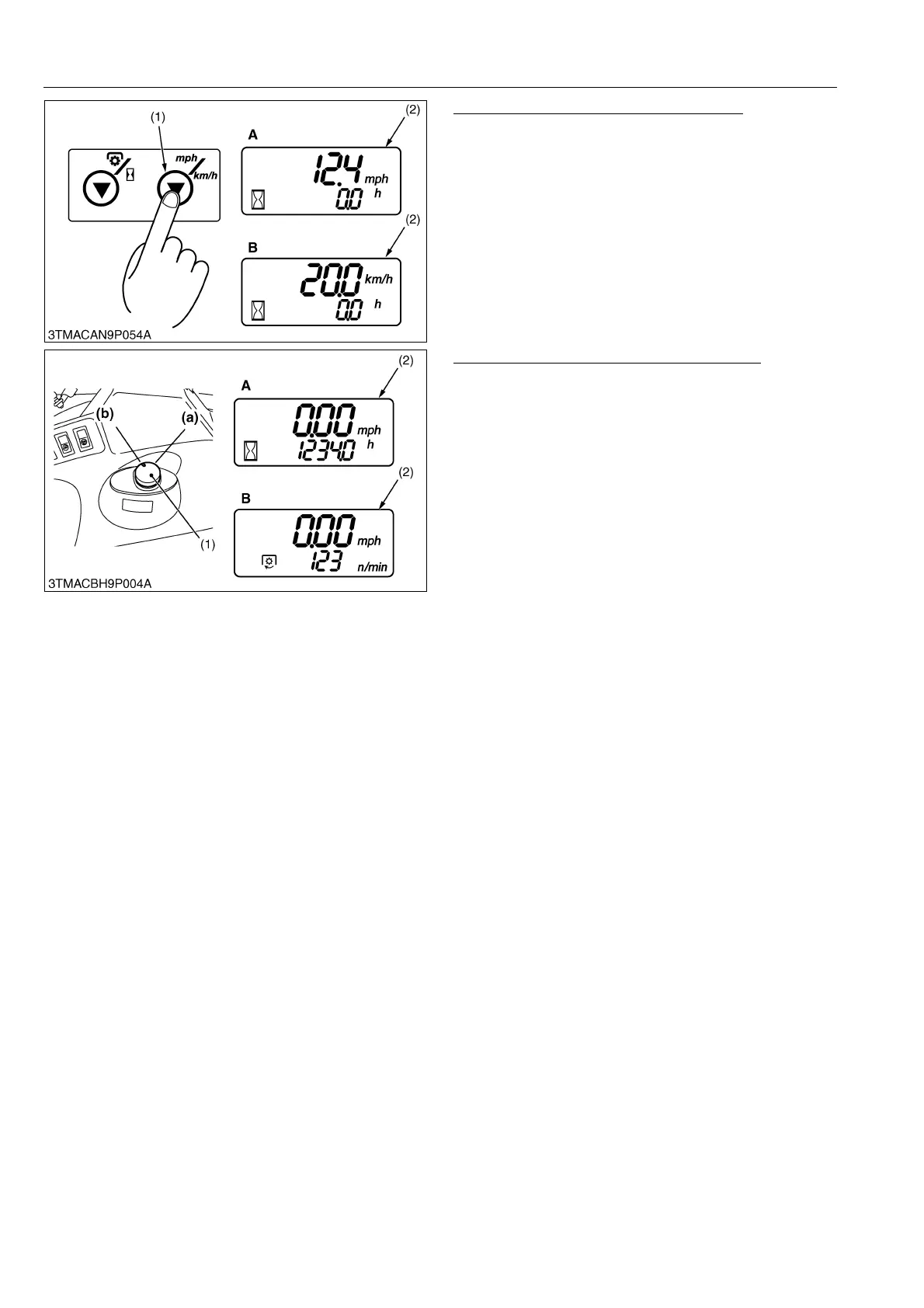
Switching "km/h" and "mph" Indication
Press the traveling speed select switch (1) to change
the "km/h" and "mph" indication.
9Y1210143ELM0026US0
When Operate PTO Clutch Control Switch
(At hour meter mode)
• Traveling speed and total operating hours are
displayed.
• The hour meter indicates in five digits the hours the
tractor has been used; the last digit indicates 1/10 of
an hour.
• When the PTO/Hour meter select switch is pressed
in this state, "OFF" is displayed.
(At PTO speed mode)
• Traveling speed and PTO speed are displayed.
• When the PTO/Hour meter select switch is pressed
in this state, the display mode switches to hour meter
mode.
9Y1210143ELM0027US0
(2) Setting Mode
• Input the various data to RAM.
• There are three different setting modes: "PTO speed display mode switching", "entering the traveling speed
coefficient" and "model select mode".
PTO Speed Display Mode Switching
The PTO speed display mode switching is set at factory. When replacing the instrument panel assembly, enter
the numerical code.
Entering the Travel Speed Coefficient
When optional different-diameter tires are fitted on the machine, the travel speed display mode must be changed.
Otherwise the travel speed will not get correctly displayed. Such mode switching is also needed when the original
tires are back on the machine.
Model Select Mode
The model select mode is set at factory. When replacing the instrument panel assembly, enter the model code.
9Y1210143ELM0028US0
(1) Traveling Speed Select
Switch
(2) LCD Monitor
A: mph (Traveling Speed)
B: km/h (Traveling Speed)
(1) PTO Clutch Control Switch
(2) LCD Monitor
A: PTO OFF (Hour Meter
Mode)
B: PTO ON (PTO Speed Mode)
(a) ON Position
(b) OFF Position



 To Next Page