83
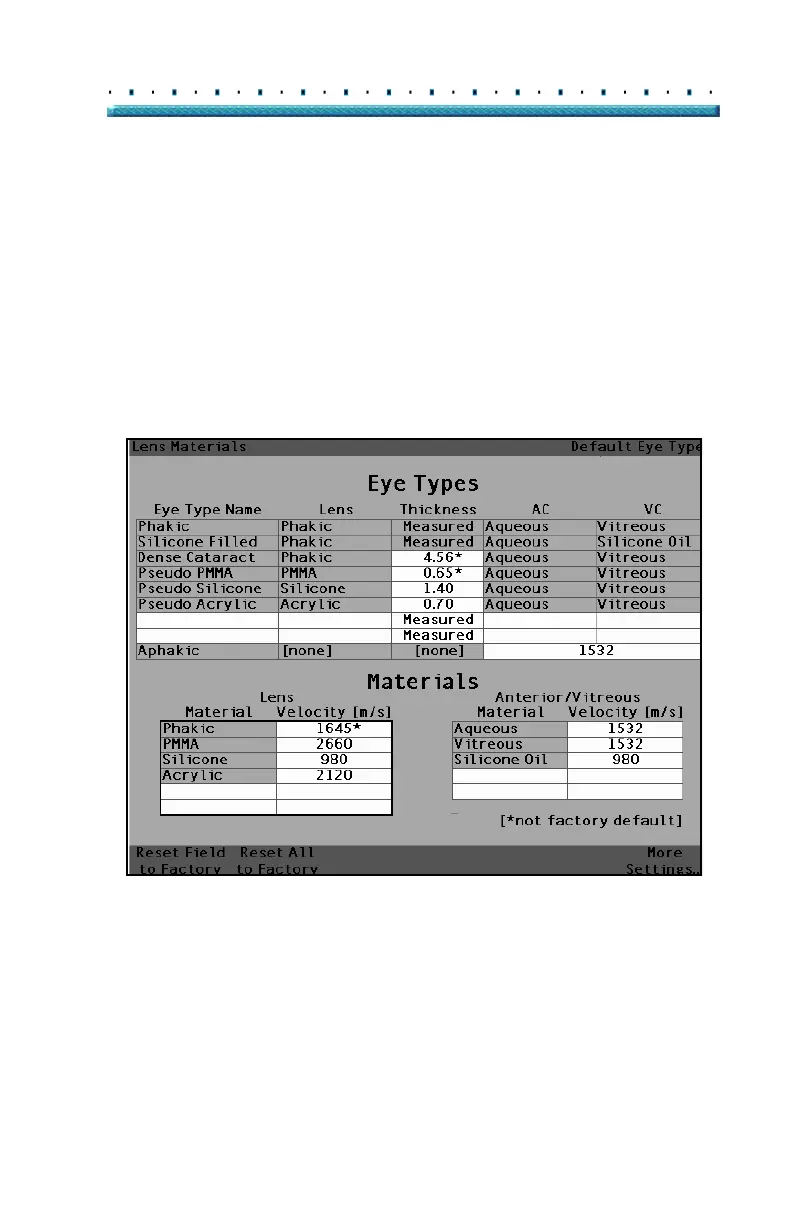
Preferences Eye Type Screen Menu Selections
Reset All to Factory
The Reset All to Factory selection provides you with the
ability to return all pre-entered fields on the Eye Types
Screen to their default factory values.
If you have already changed several pre-entered fields
on the Eye Type screen and you would like to reset
them:
1. Press the button beneath the selection "Reset All
to Factory".
[All eye types include an assumed cornea]
Figure 49 Non-Factory Fields Displayed



 To Next Page