242
Accutome A-Scan Plus User’s Guide
How to Store a
Record
After you have taken all the desired measurements you
can save a Patient’s measurements to a record so that
you can recall it at a later time.
To save a Patient’s record:
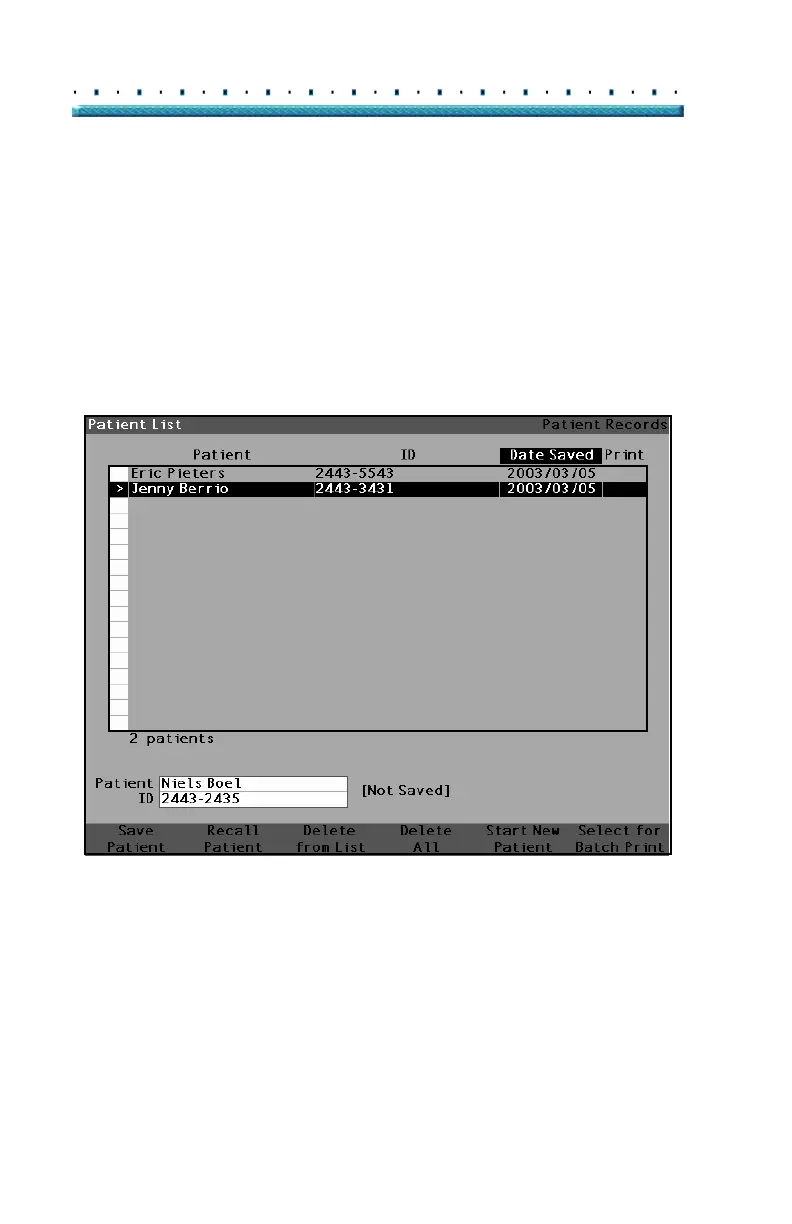
1. Press the "Patient Records" button located at the
right side of the instrument. The Patient Record
Screen as shown in
Figure 155 below will be dis-
played.
Figure 155 Patient Record Screen



 To Next Page