37
Getting Started Basic Operation
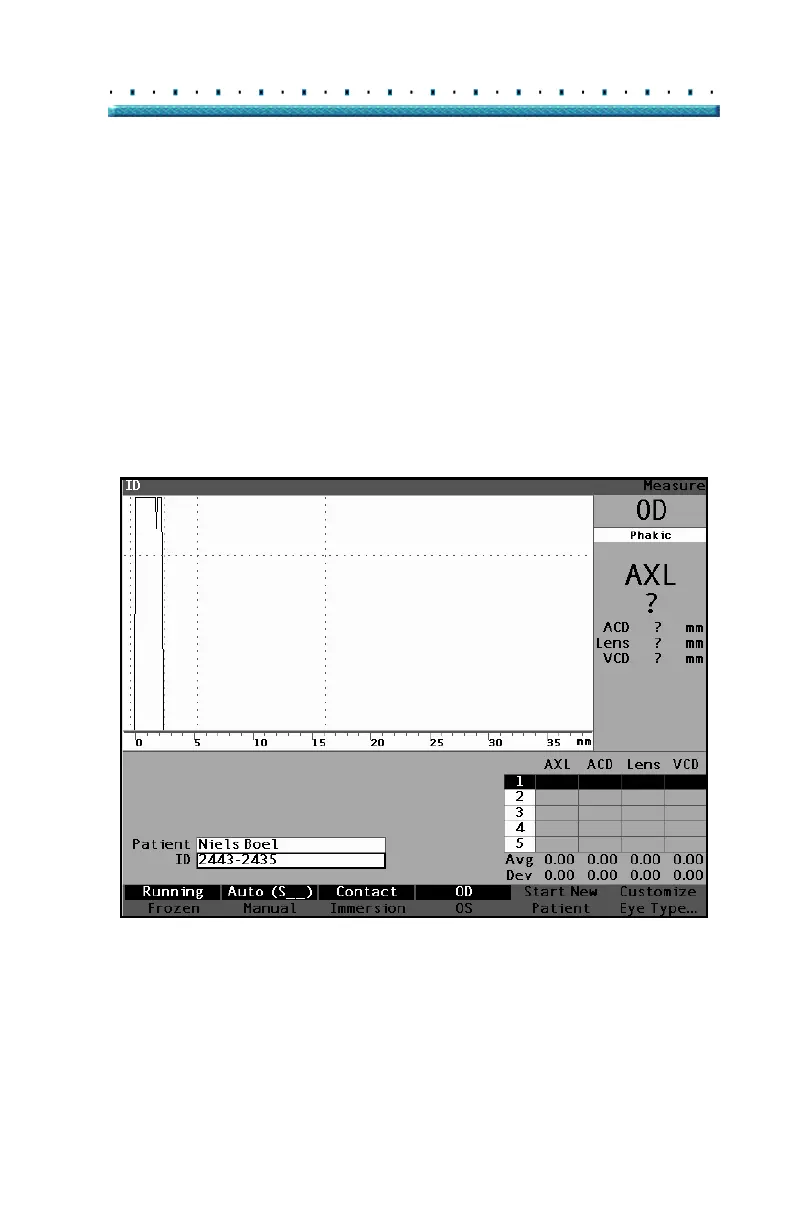
5. If you also need to enter an ID, select the ID field
by turning the knob. Press the knob or the
√ but-
ton, to activate the ID field.
6. Enter the ID and press the knob or the √ button, to
save the ID and to deactivate the field.
Figure 22 New Patient Information Entered



 To Next Page