217
Setting Up IOL Groups How to Set Up an IOL Group
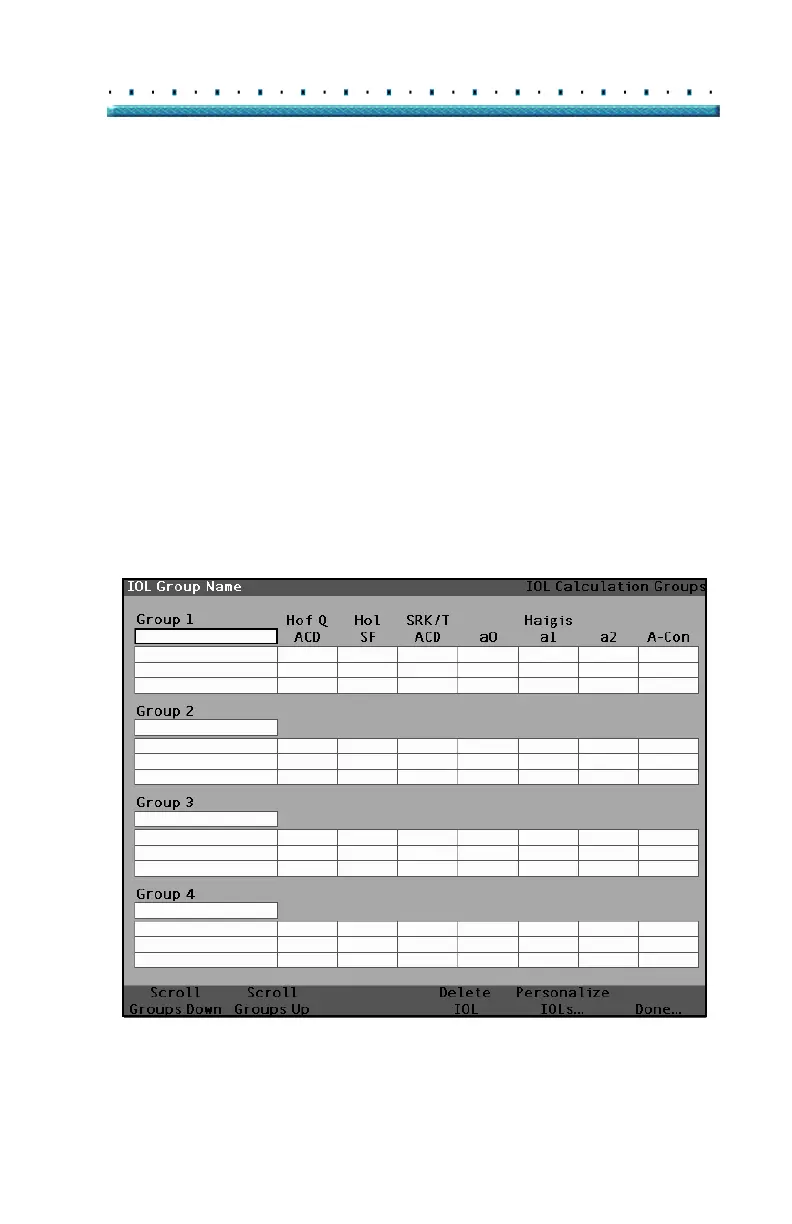
IOL Calculation Groups Screen
The IOL Groups Screen as shown in Figure 145 below,
displays a listing of all the IOL Groups and their
associated lenses. The Accutome A-Scan Plus has a
capacity to store 15 groups.
The left side of the screen displays a field for the group
name. To the right of the group name field is the lens
table for that group.
The screen can display four groups at a time. If you
would like to view another of the possible 15 groups,
press the button beneath the "Scroll Groups Down" or
"Scroll Groups Up" selections.
The Delete IOL selection allows you to delete a selected
IOL. The Personalize IOLs selection displays the
Personalize IOL screen for personalizing the constants
used with selected IOLs.
Figure 145 IOL Groups Screen



 To Next Page