48
Accutome A-Scan Plus User’s Guide
How to Save Patient Records
The Accutome A-Scan Plus allows you to save patient
records at any time. You can save the record after you
have taken all the desired measurements or, after you
have taken the measurements and performed the
calculation.
You can recall a saved patient record and re-scan any of
the patient waveforms. You can also adjust the gates/
threshold on any of the waveforms and recalculate the
IOL power.
To save a Patient’s record:
1. Press the "Patient Records" button located to the
right of the instrument (see
Figure 17 on page 31).
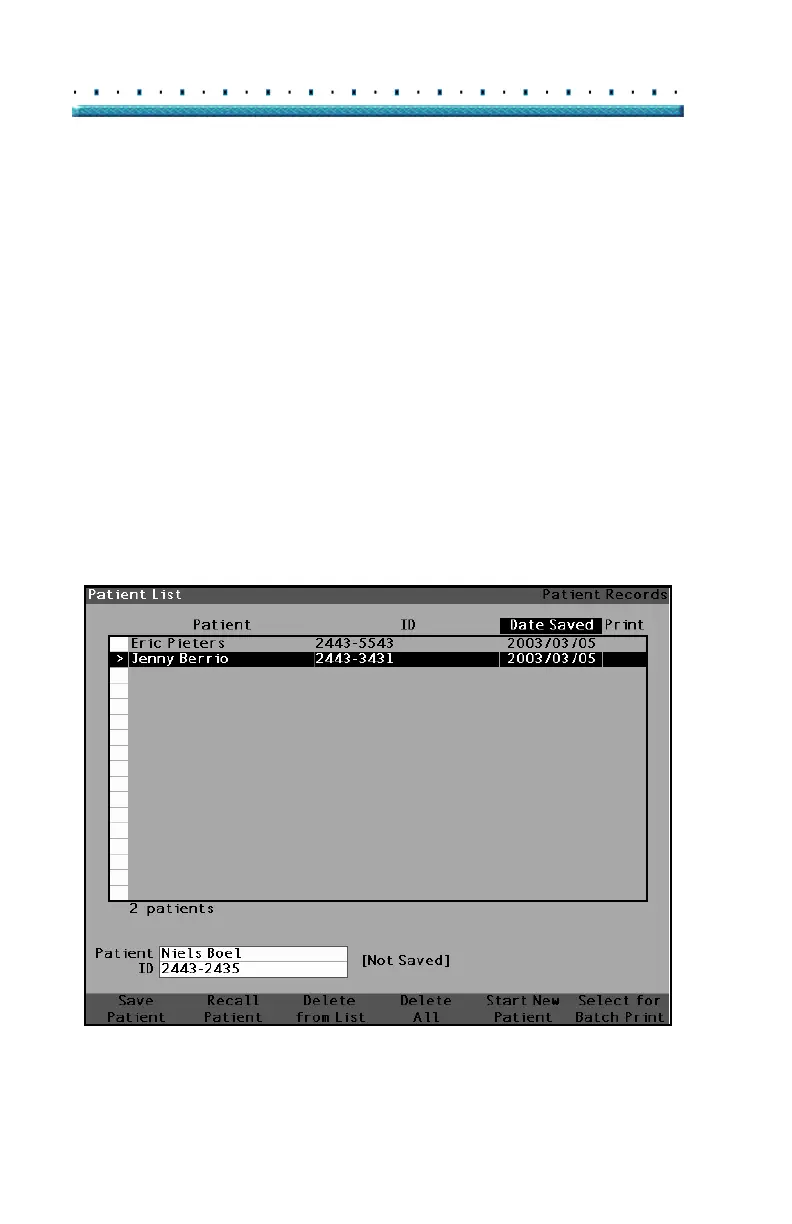
The instrument will display the Patient Record
Screen as shown in
Figure 29 below.
Figure 29 Patient Record Screen



 To Next Page