184
Accutome A-Scan Plus User’s Guide
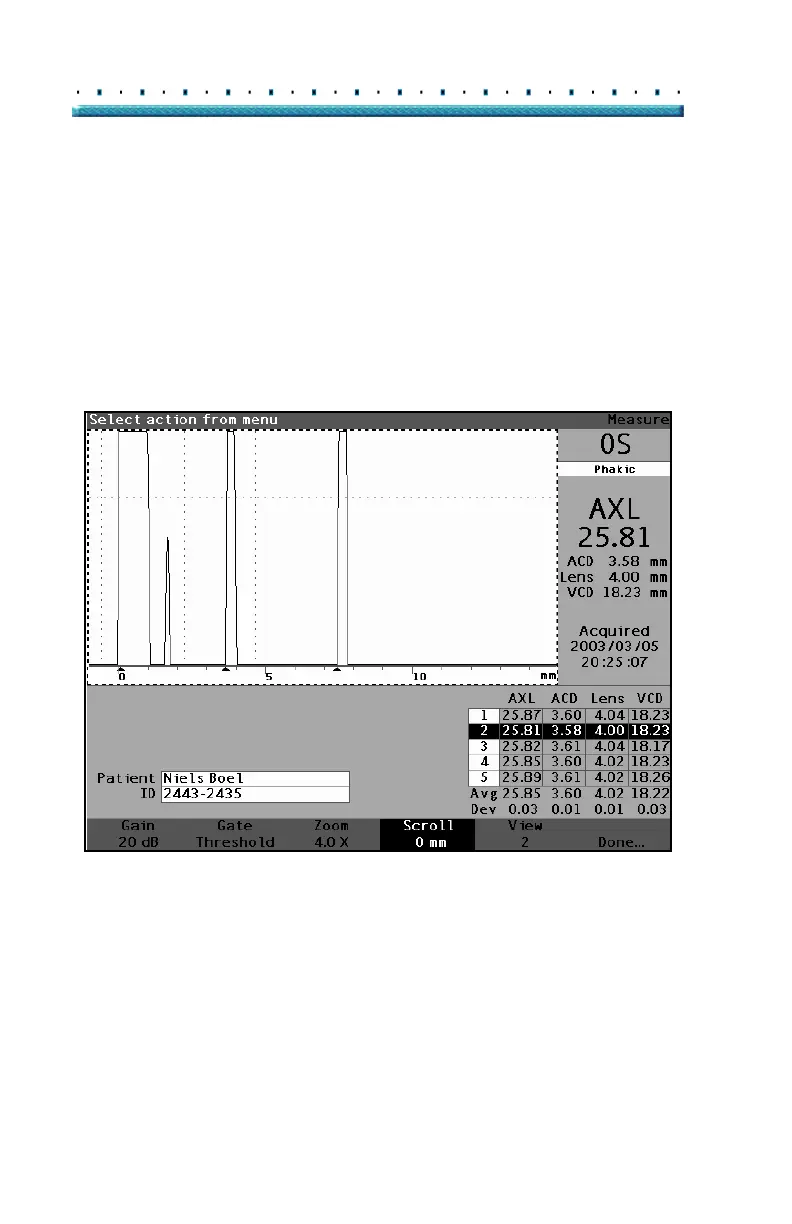
How to Scroll The Scroll feature moves the active waveform from left
to right and from right to left. Scroll allows you to view
the horizontal dimension of a waveform. This feature
can be useful if you are zooming in on a certain area of
the measurement and you would like to look at another
area of the waveform.
To scroll an image:
1. Press the button beneath the "Scroll" selection.
Figure 127 Scroll Selected



 To Next Page