75
Preferences How to Add a New Eye Type
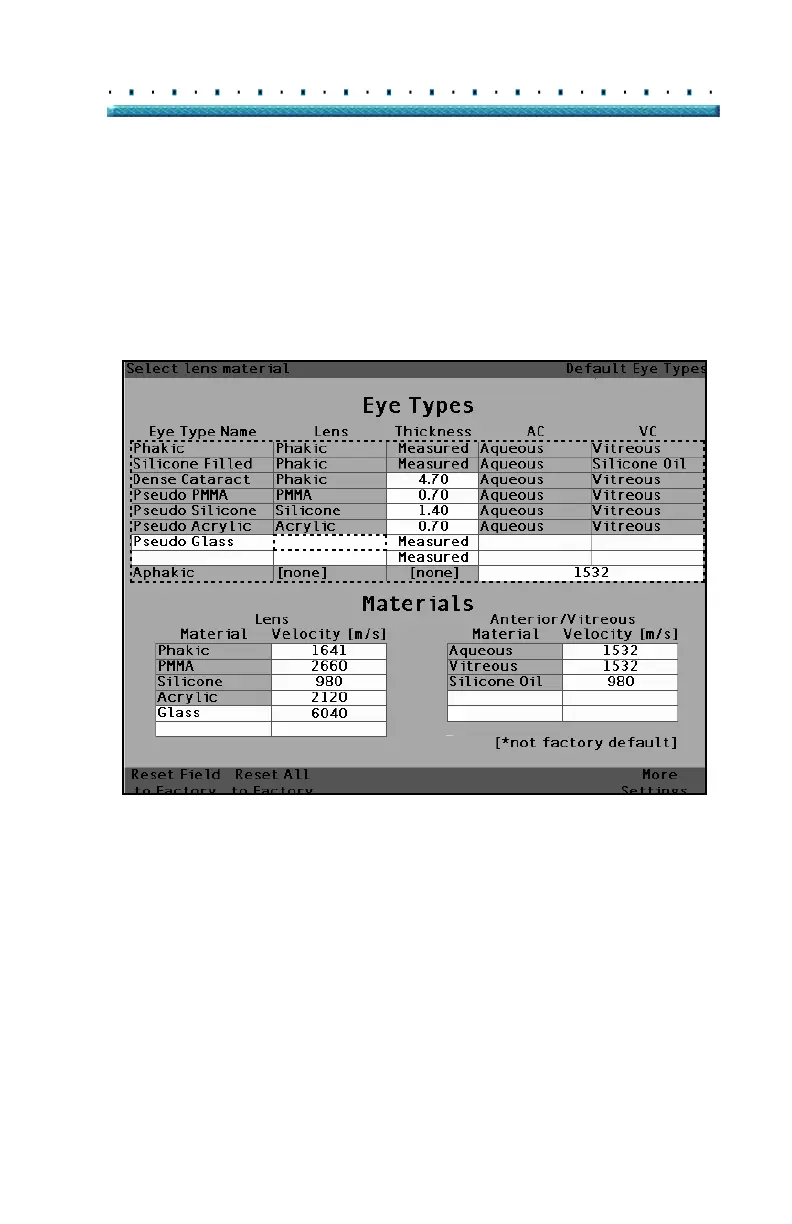
6. Within the Eye Types table, rotate the knob to
select the Lens cell associated with the Eye Type
Name you just entered.
7. Press the knob or the √ button, to activate the cell,
indicated by the dashed border.
[All eye types include an assumed cornea]
Figure 41 Activating the Area to Select New Lens Material



 To Next Page