49
Getting Started Basic Operation
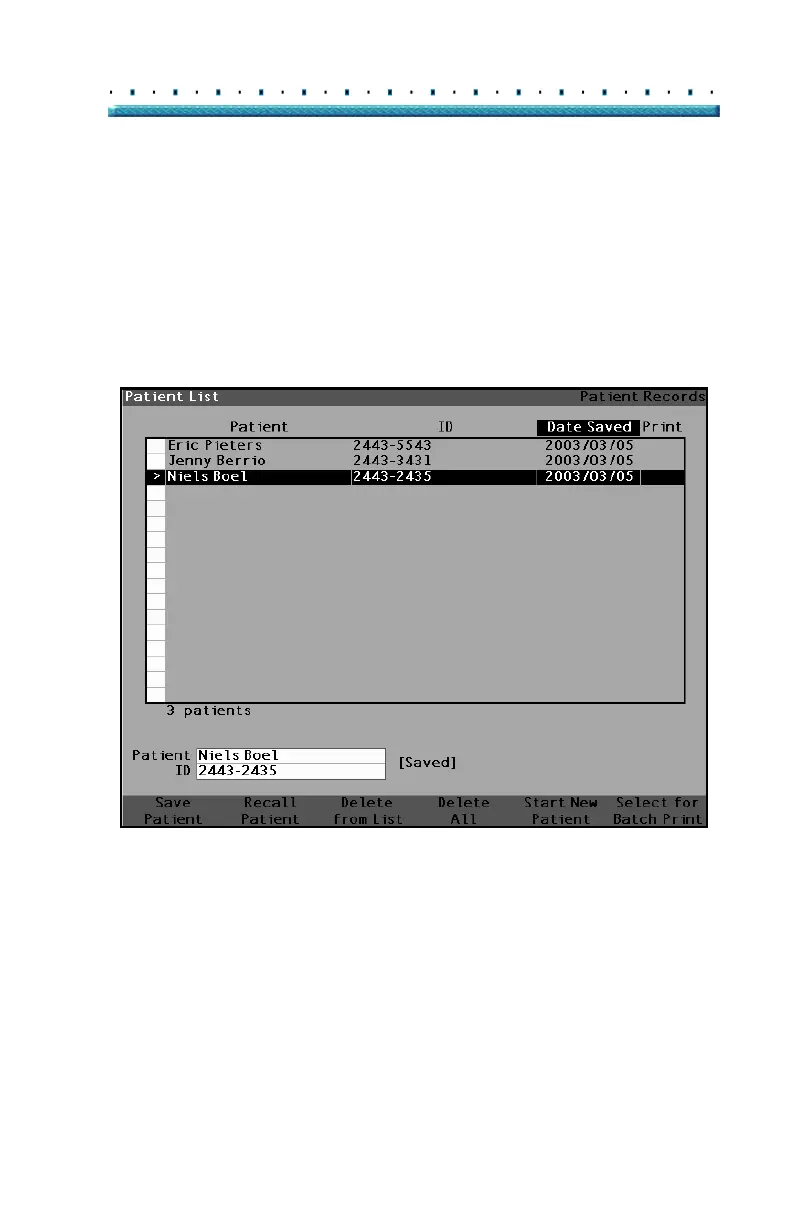
2. Press the button below "Save Patient". The Accu-
tome A-Scan Plus will store the Patient record.
The "Not Stored" prompt Patient ID will be
changed to "Stored" and a new entry will appear in
the Patient List.
Figure 30 Patient Record Stored



 To Next Page