30
Accutome A-Scan Plus User’s Guide
Basic
Operation
The basic operation of the Accutome A-Scan Plus
consists of the following steps:
1. Power on the instrument.
2. Adjust the LCD display contrast.
3. Take five measurements per eye.
4. Calculate the IOL power for desired result.
5. Print or save the Patient Record.
How to Power On the Accutome A-Scan Plus
To power on the Accutome A-Scan Plus:
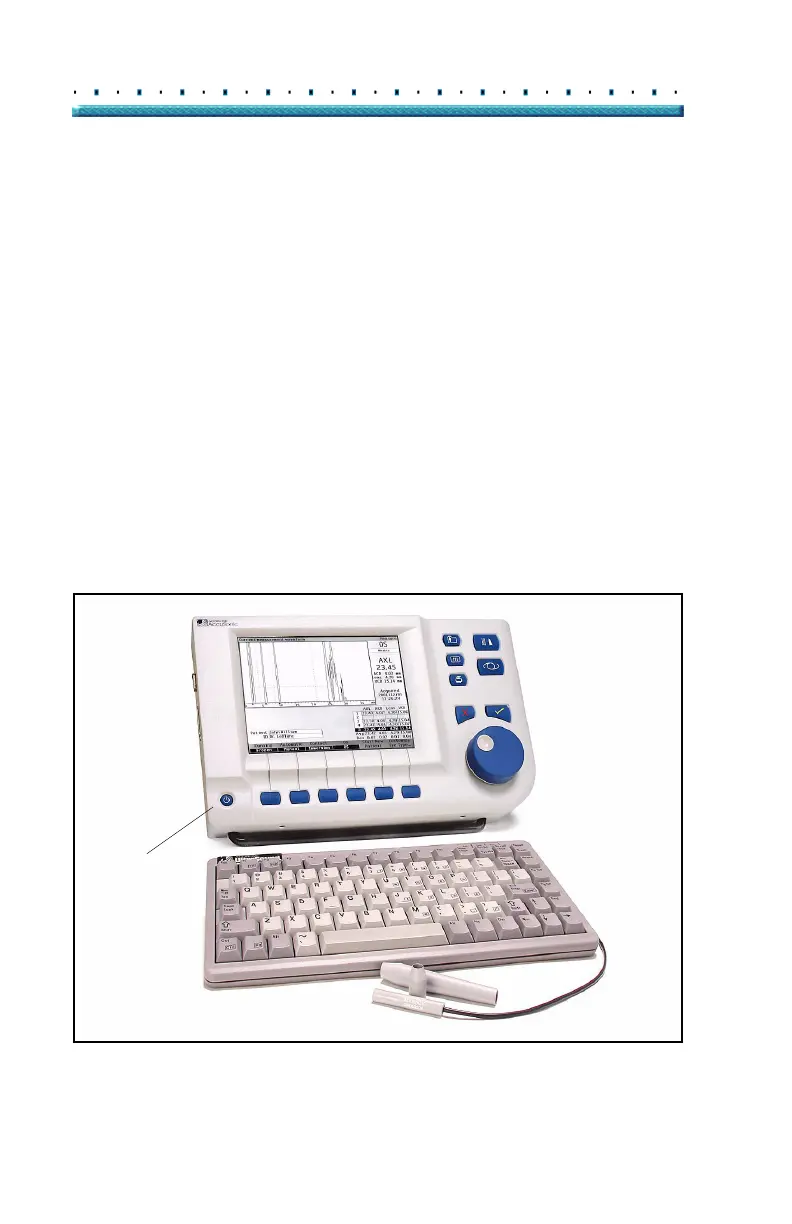
1. Push the power button located at the bottom left
corner of the instrument (see
Figure 16 below).
When you power on the Accutome A-Scan Plus a
splash screen will appear. The instrument will go
through an initialization process and when com
-
pleted will display the Measure Screen. The Accu-
tome A-Scan Plus will also beep once indicating
that the instrument is ready.
Power Button
Figure 16 Turning on the Accutome A-Scan Plus



 To Next Page