66
Accutome A-Scan Plus User’s Guide
How to Access
Preferences
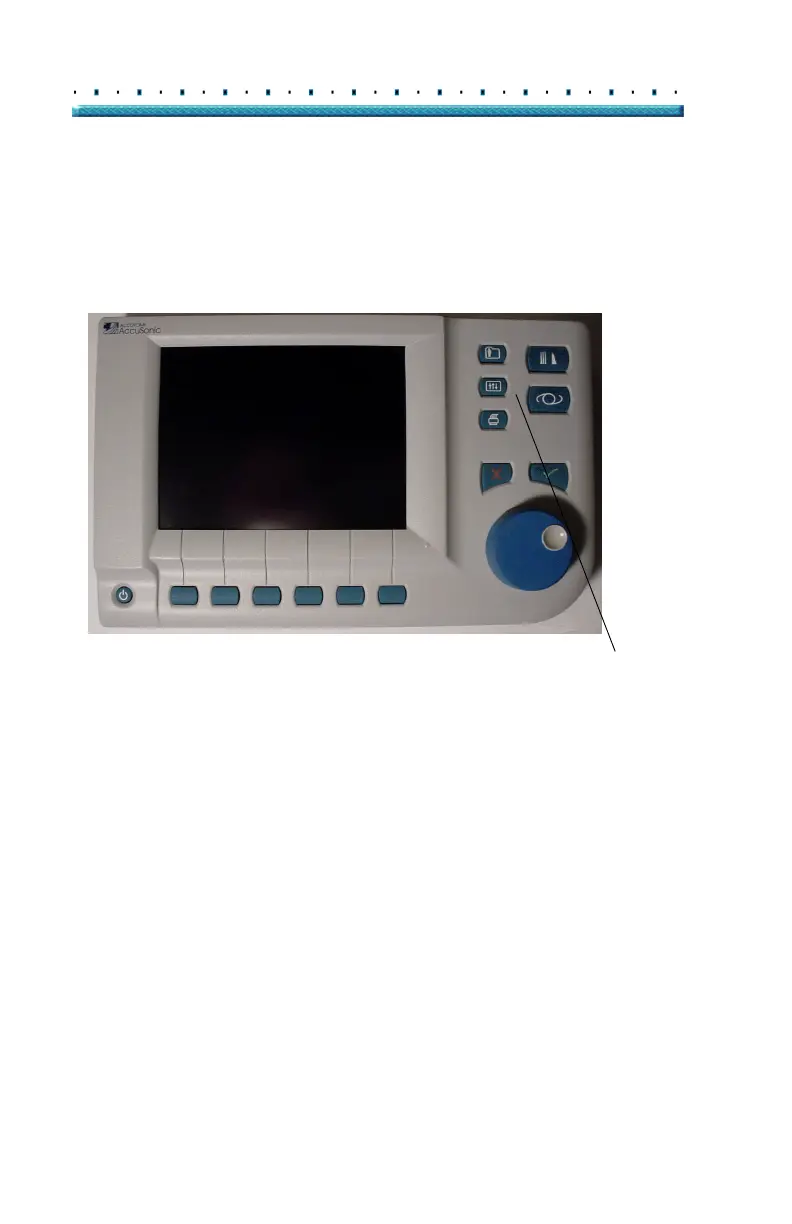
To access the Accutome A-Scan Plus Preferences press
the Preferences button, located at the right side of the
front panel (see
Figure 33 below).
Preferences Button
Figure 33 Preferences Button
*Note: If you press the Preferences button a second time
the Accutome A-Scan Plus will scroll to the Setup
Screen, which is the next lower level linked screen.



 To Next Page