192
Accutome A-Scan Plus User’s Guide
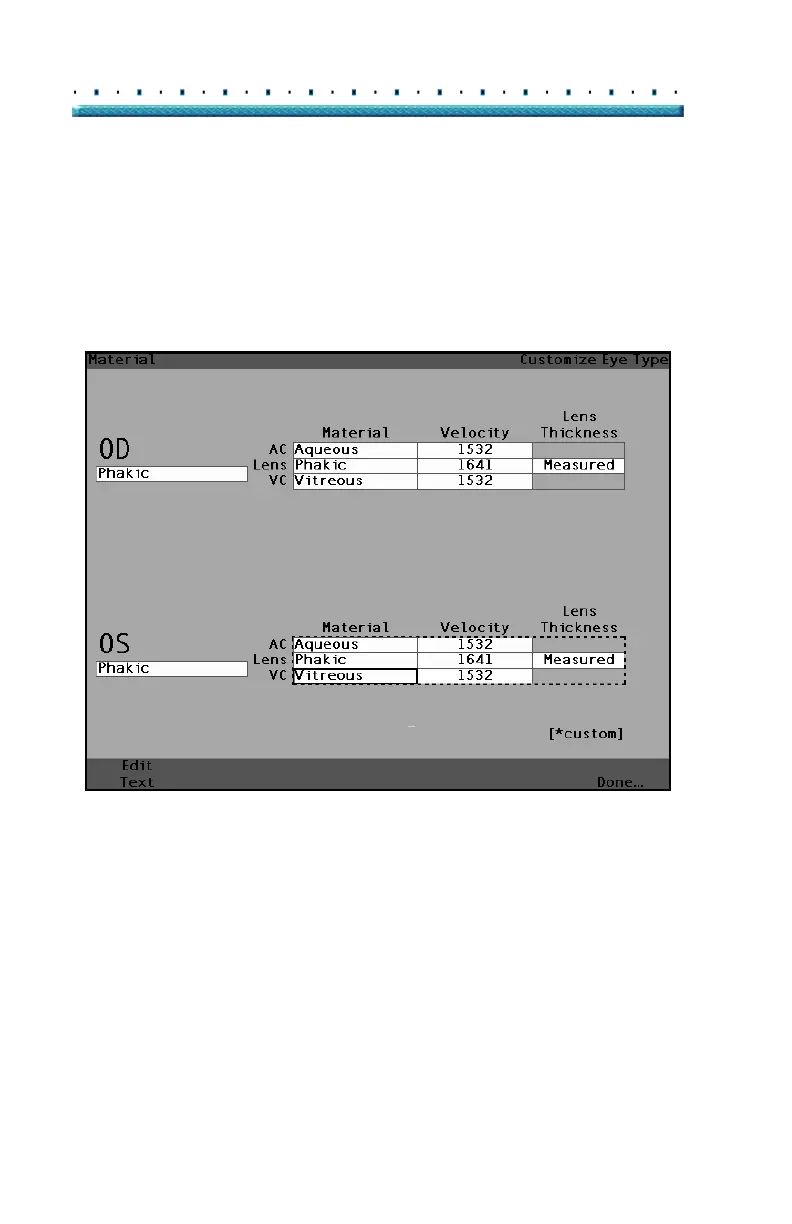
3. Press the knob or the √ button, to activate the
table, indicated by the dashed border.
4. Within the Material/Velocity table, rotate the knob
to select the table cell you would like to change. In
the example given in
Figure 131 below the cell
selected is the VC Material cell.
[All eye types include an assumed cornea]
Figure 131 OS Materials Table Activated



 To Next Page