185
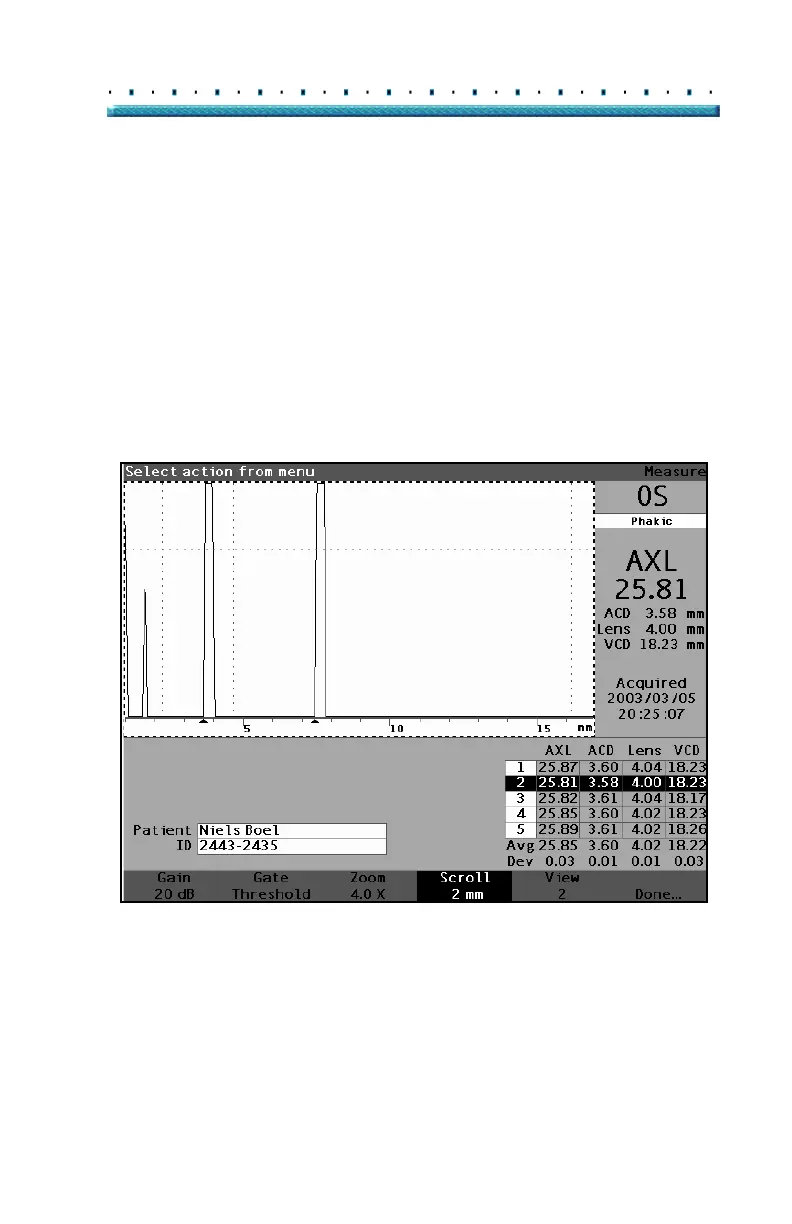
Performing Measurements How to Scroll
2. Rotate the knob to move the waveform.
Tip: You can use CTRL+ S to scroll the waveform
increasing 1mm directly from the keyboard, or
hold to set the scroll to 0.
3. When the waveform is in the correct position,
either press another waveform menu selection or
press the button beneath "Done", the knob or the
√ button to deactivate the menu.
*Note: To scroll to the start of the waveform, press and hold
the scroll button for approximately 1 second.
Figure 128 Measurement Scrolling Changed



 To Next Page