191
Customizing Eye Types How to Customize an Eye Type
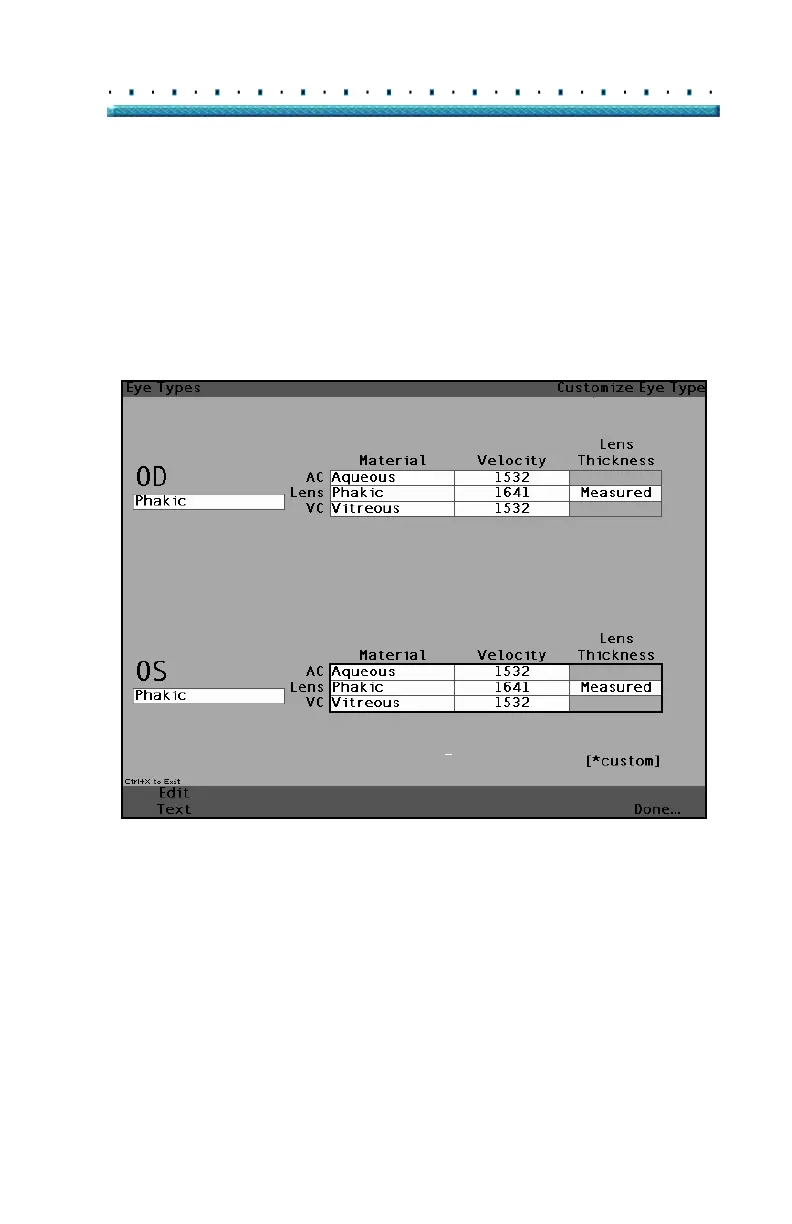
2. Within the Custom Eye Type Screen, rotate the
knob to select the Material/Velocity table, indi
-
cated by a solid black border. There are two mate-
rial/velocity tables on the screen. You should
select the one to the right of the patient’s eye that
you are customizing.
[All eye types include an assumed cornea]
Figure 130 OS Materials Table Selected



 To Next Page