110
Accutome A-Scan Plus User’s Guide
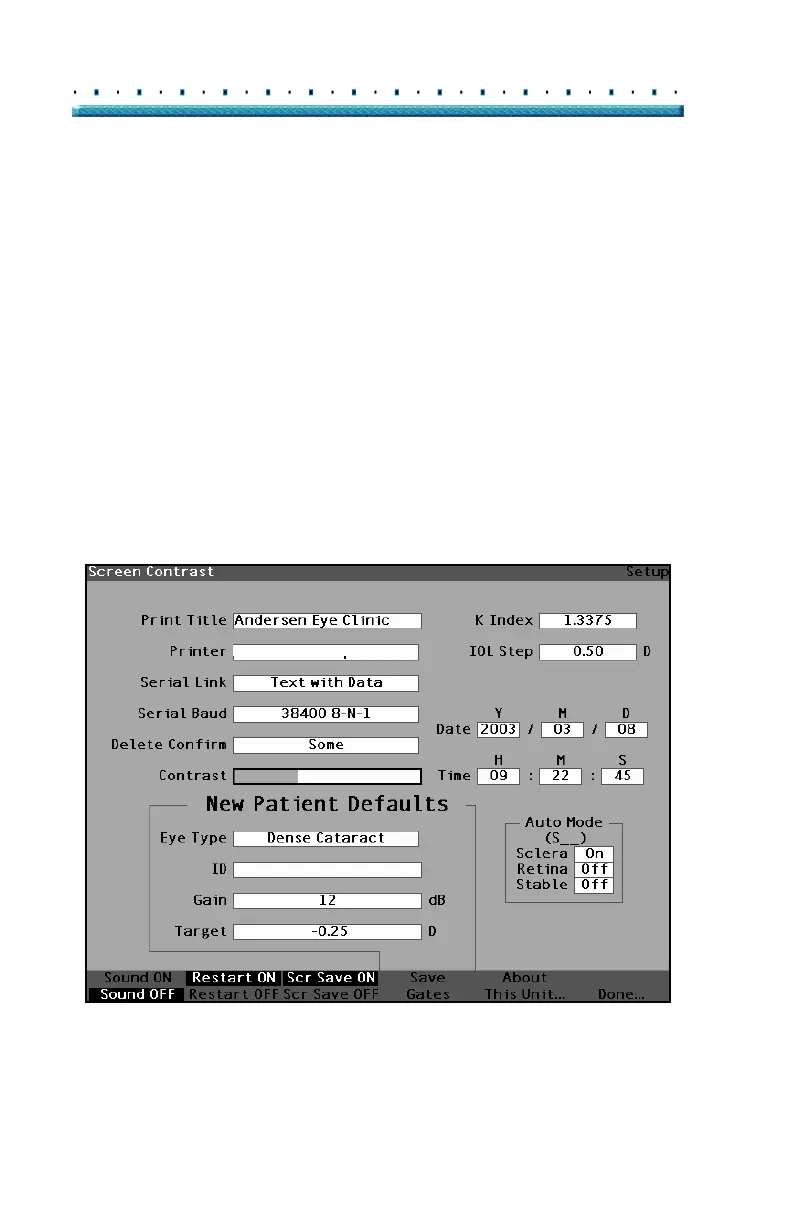
How to Adjust the Contrast
You may need to adjust the contrast because the
optimal contrast setting varies with viewing angle and
temperature. The Contrast feature in the Setup Screen
allows you to adjust the contrast of the instrument’s
display screen.
*Note: The contrast can be adjusted at any time, on any
screen, by pressing and holding the preferences
button while turning the knob.
To adjust the Accutome A-Scan Plus Contrast:
1. Within the Setup Screen, rotate the knob to select
the Contrast field, indicated by a solid black bor
-
der.
HP LaserJet Compatible
Figure 73 Contrast Field Selected



 To Next Page