199
Performing Calculations Calculate IOL Screen
Calculate IOL
Screen
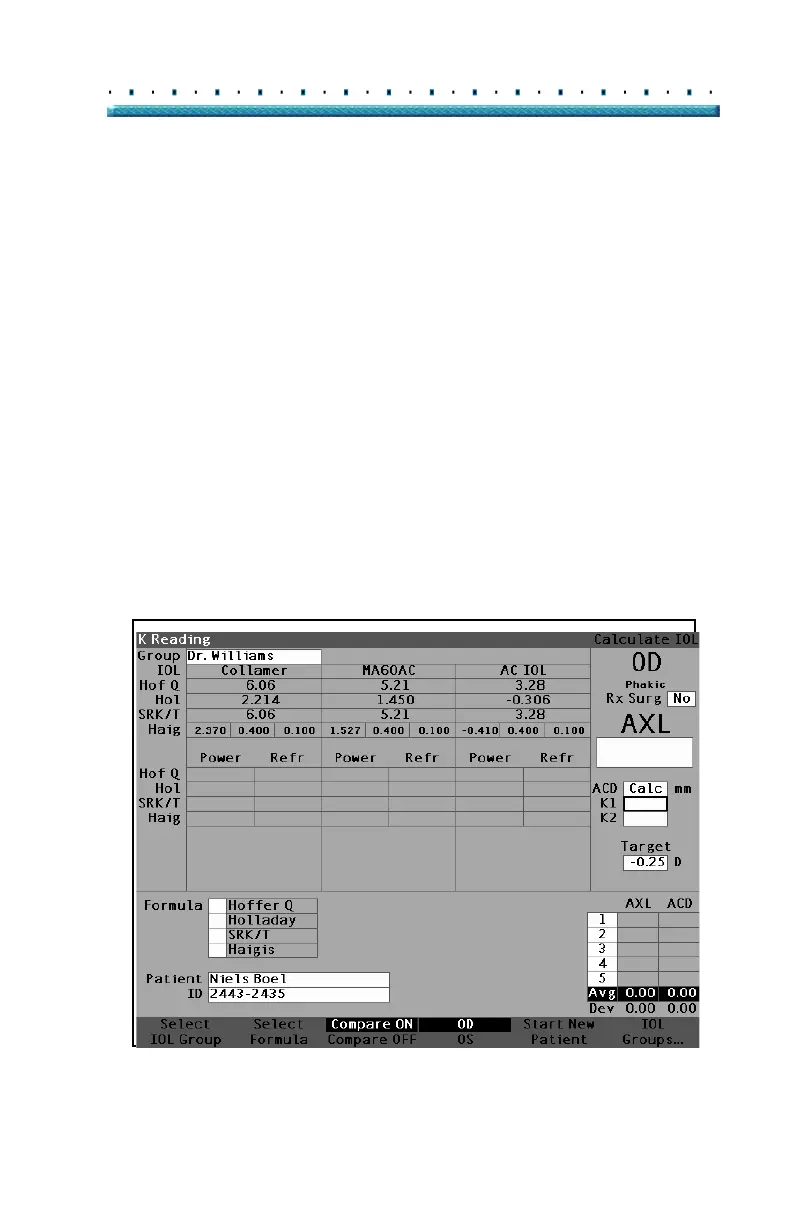
The Calculate IOL Screen shown in Figure 137 below
displays the average of the five measurements for the
selected eye (if there are five measurements available),
the calculation for the currently selected formula and the
three lenses of the current IOL Group.
The Accutome A-Scan Plus allows the user to fine tune
the calculation by providing the ability to change the AXL
value, the lens, formula and desired postoperative result
refraction (the target).
The process for calculating the power of a lens is to
select or enter an AXL value, select an IOL Group, select
a formula, and enter the K1, K2 and Target values.
*Note: The Rx Surg (Post Refractive Corneal Surgery) field
should be left at "No". Change the field to "Yes" to
calculate IOLs for patients that have had corneal
refractive surgery. Refer to
"Calculating IOL Power
After Corneal Refractive Surgery" on page 207 for
instructions on changing the Rx Surg field.
Figure 137 Calculation Fields



 To Next Page