38
Accutome A-Scan Plus User’s Guide
How to Enter Text without a Keyboard
The keyboard is optional with the Accutome A-Scan
Plus. The keyboard makes entering text very easy.
When a field is active requiring text, and you have a
keyboard, you simply have to enter the text.
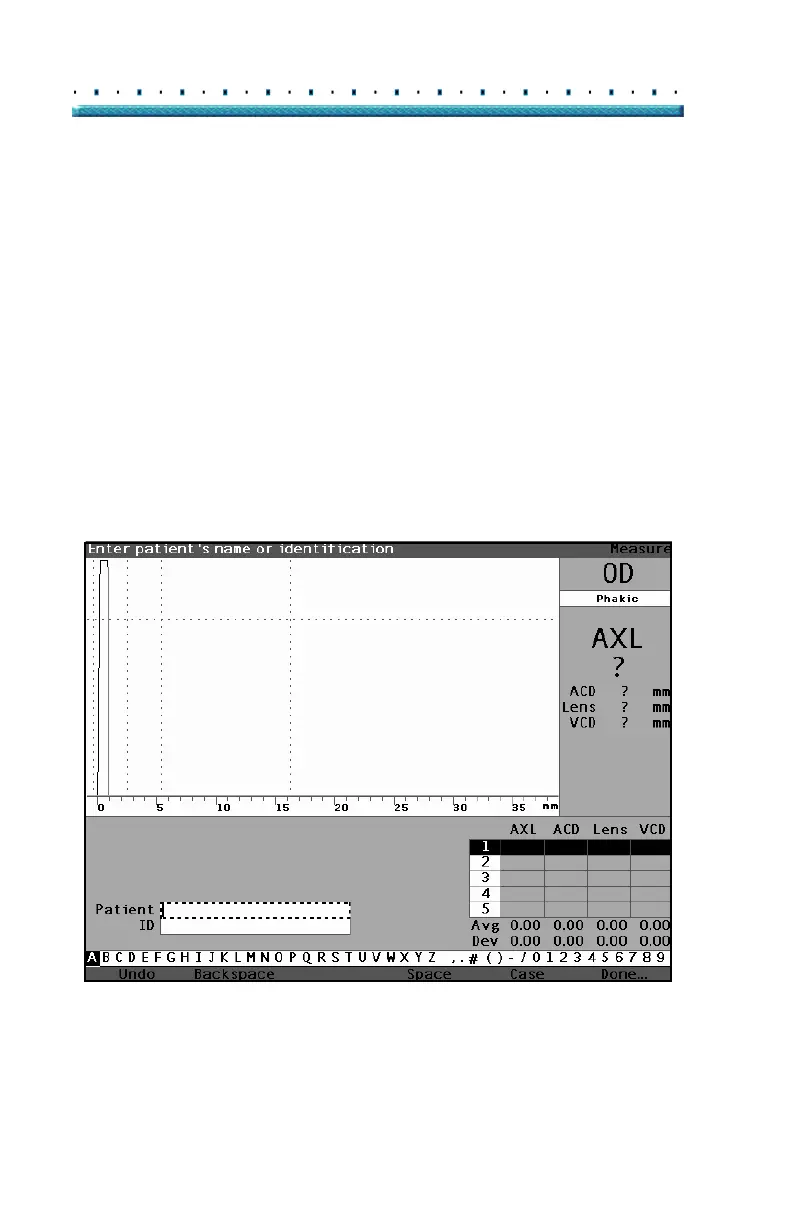
The Accutome A-Scan Plus also provides a method of
entering text that does not require a keyboard. If a field
is activated that requires text, and the keyboard has not
been used, the instrument displays a screen keyboard in
the soft menu area, shown in
Figure 23 below, that
contains all the alphanumeric characters.
Figure 23 Screen Keyboard



 To Next Page