237
Personalizing Lens Constants How to Personalize Constants
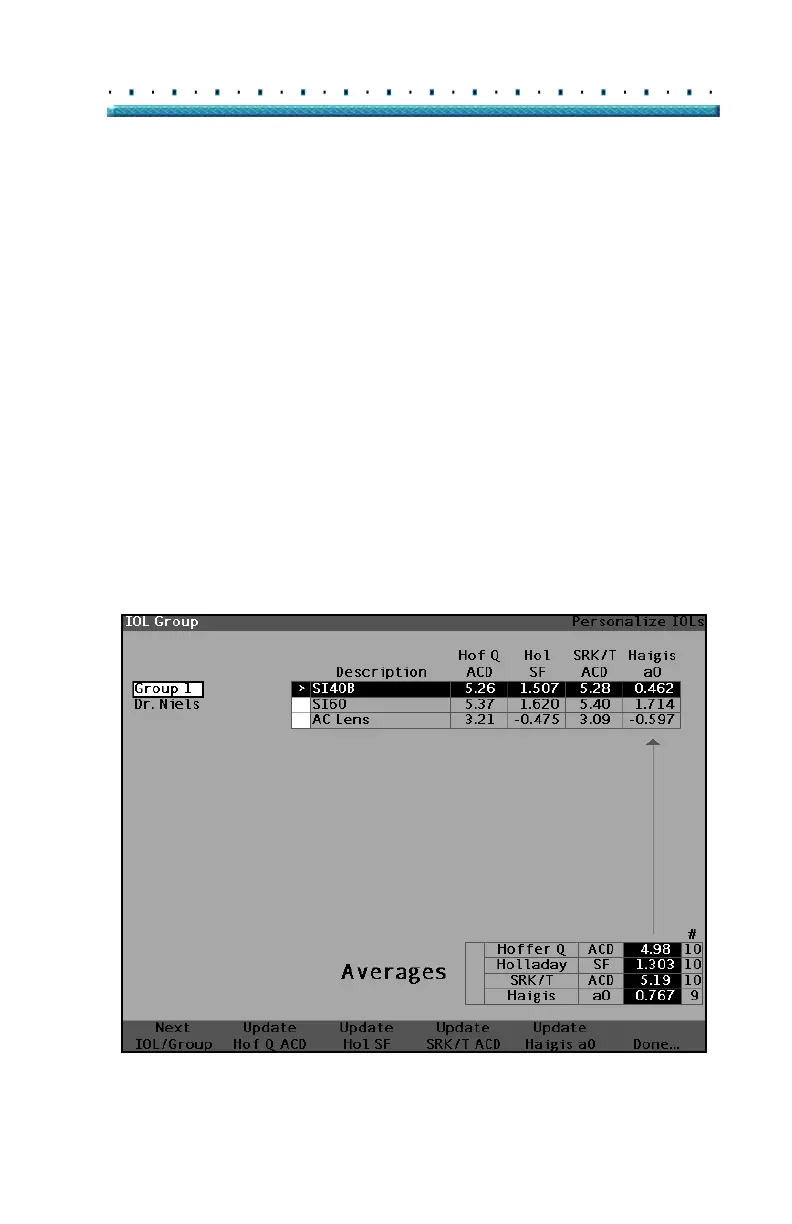
Update IOL Constants Screen
The Update IOL Constants Screen (see Figure 154
below) displays an IOL Group field in the upper left
corner. Located to the right of the Group field is a table
displaying the selected IOL Group’s lenses and the
lenses’ current formula constants. The lens name that is
in white text against a black background is the currently
selected lens.
The Average Table (from the Personalize IOLs Screen)
is also displayed in the bottom right corner of the screen.
The table displays the IOL constant information,
optimized from postoperative results, for the currently
selected lens. From this screen it is possible to select an
IOL Group and update the IOL Constants for a selected
lens and formula.
*Note: The Haigis formula does not do an average but
rather a best fit regression. The other formulas
calculate the 'average'.
Figure 154 Update IOL Constants Screen



 To Next Page