216
Accutome A-Scan Plus User’s Guide
How to Set Up
an IOL Group
The process for setting up an IOL Group consists of:
Entering an IOL Group Name
Entering lens information associated with each
group
All entry of IOL Groups takes place at the IOL Groups
Screen. The IOL Groups screen is accessed from the
Calculate IOL Screen.
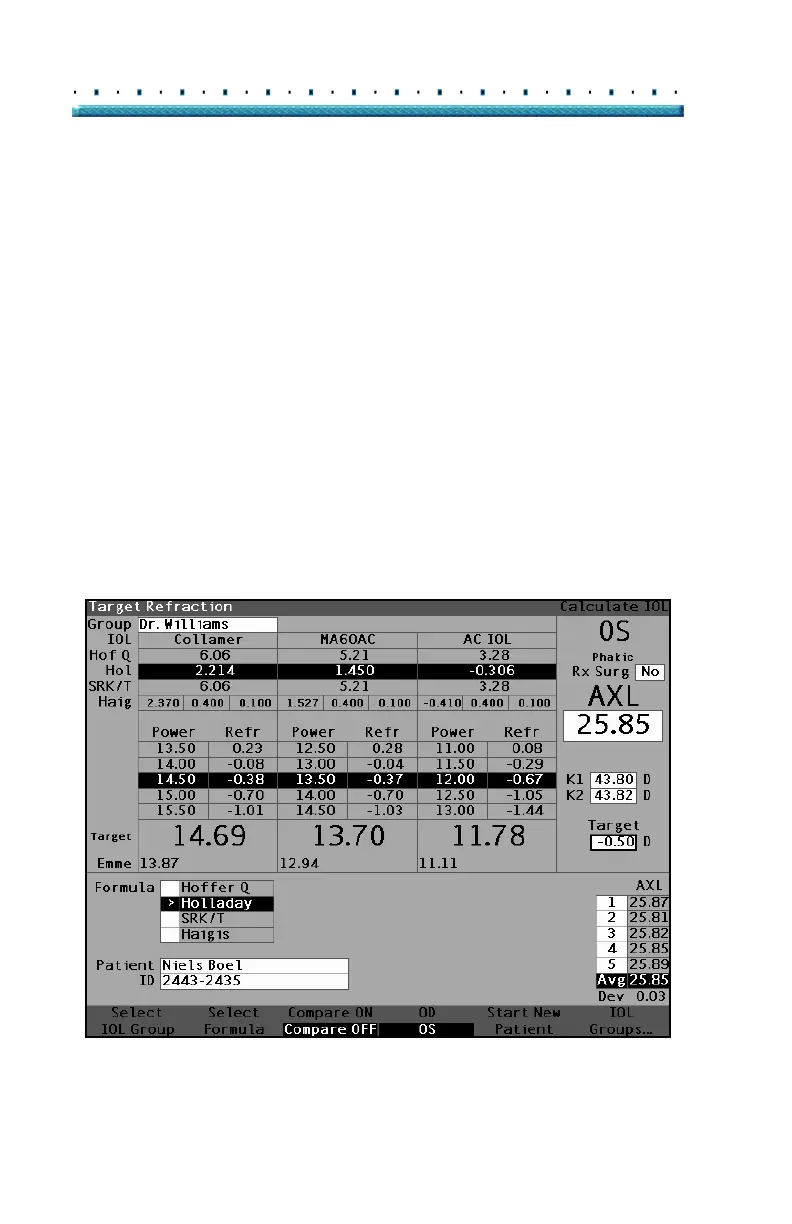
To access the Calculate IOL Screen press the Calculate
button, located at the right side of the instrument. The
Calculate IOL Screen shown in
Figure 144 below will
then be displayed.
Accessing the IOL Groups Screen
In the Calculate IOL Screen:
1. Press the button beneath the selection "IOL
Groups...". The IOL Calculation Groups Screen
will then be displayed.
Figure 144 Select IOL Groups



 To Next Page