35
Getting Started Basic Operation
2. When you start a new patient the Accutome A-
Scan Plus will clear all fields on the Measure
Screen as follows:
Gain set to default
Gates/Threshold set to default
Waveforms deleted
K readings deleted
Entered AXL (if any) deleted.
Patient field deleted
ID field set to default (which may be blank)
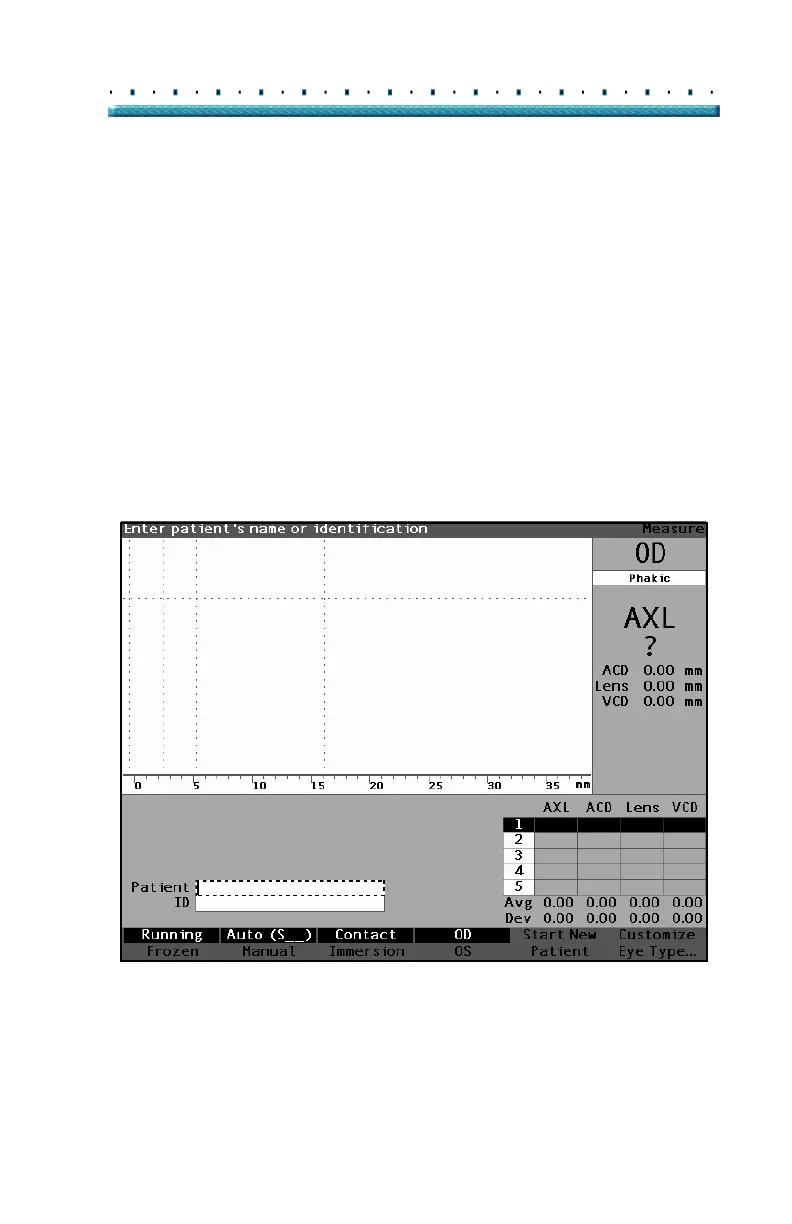
3. If you wish to enter a Patient Name select the
Patient field and press the knob or the
√ button to
activate the field as shown in
Figure 20 below.
Figure 20 Patient Field Activated



 To Next Page