170
Accutome A-Scan Plus User’s Guide
Selecting Gates/Threshold
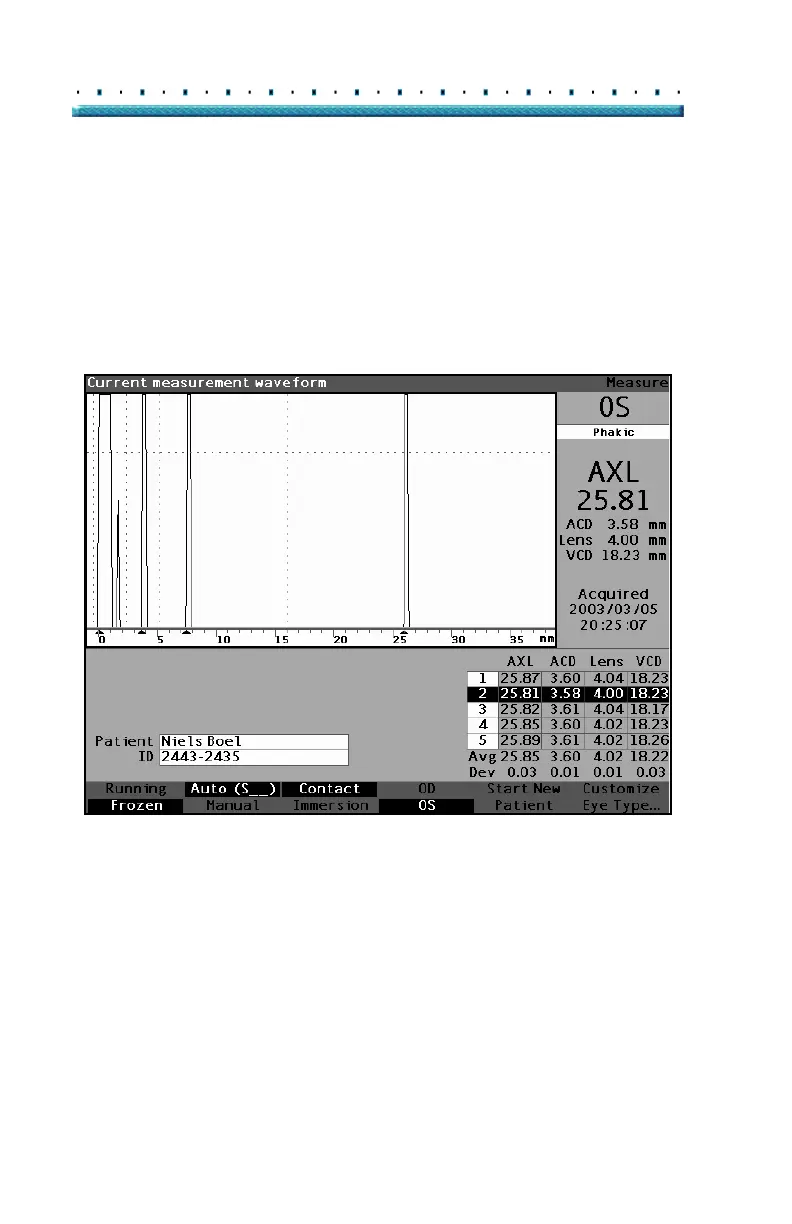
All gates/threshold are visible in the current waveform.
Each gate should be situated to the left of the event it is
indicating.
To select a gate:
1. Within the Measure Screen, rotate the knob to
select the current waveform area, indicated by a
solid black border.
Figure 116 Current Measurement Waveform Selected
2. Press the knob or the √ button, to activate the cur-
rent waveform area, indicated by the dashed bor-
der.
3. When the current waveform is active, the Accu-
tome A-Scan Plus will display a new soft menu at
the bottom of the Measure screen.



 To Next Page