152
Accutome A-Scan Plus User’s Guide
Measure
Screen
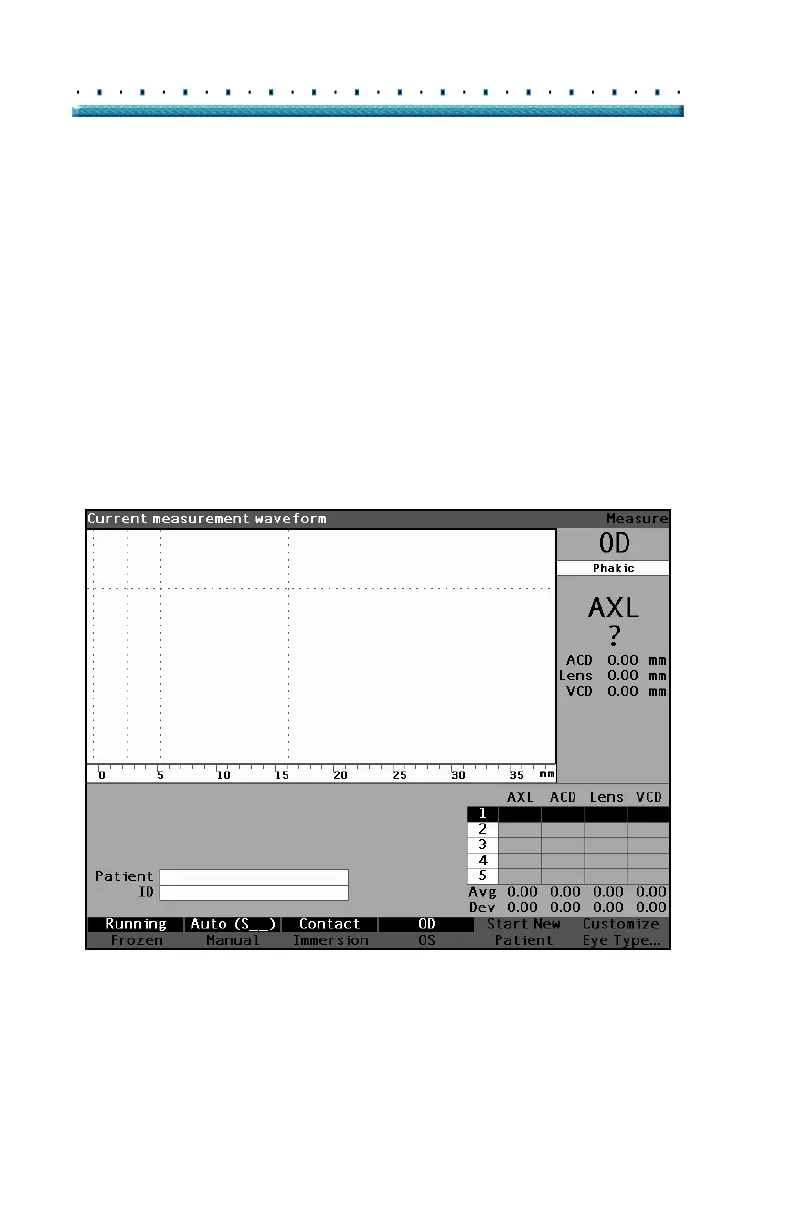
When you power on the Accutome A-Scan Plus the
Measure Screen is displayed as shown in
Figure 110
below. You can get to the Measure Screen at any time
by pressing the Measure button located at the right side
of the front panel or pressing the foot switch.
When you power on the instrument, or start a new
Patient, all settings are set to predetermined values. The
patient eye type, gain, gates/threshold, and ID are set as
determined by the Setup Screen. The patient name field
and all measurements are cleared.
Capture mode (automatic or manual), and probe
coupling method (contact or immersion) remain as last
set by the user and are retained while the Accutome A-
Scan Plus is turned off.
Figure 110 Measure Screen Displaying Current Settings



 To Next Page