112
Accutome A-Scan Plus User’s Guide
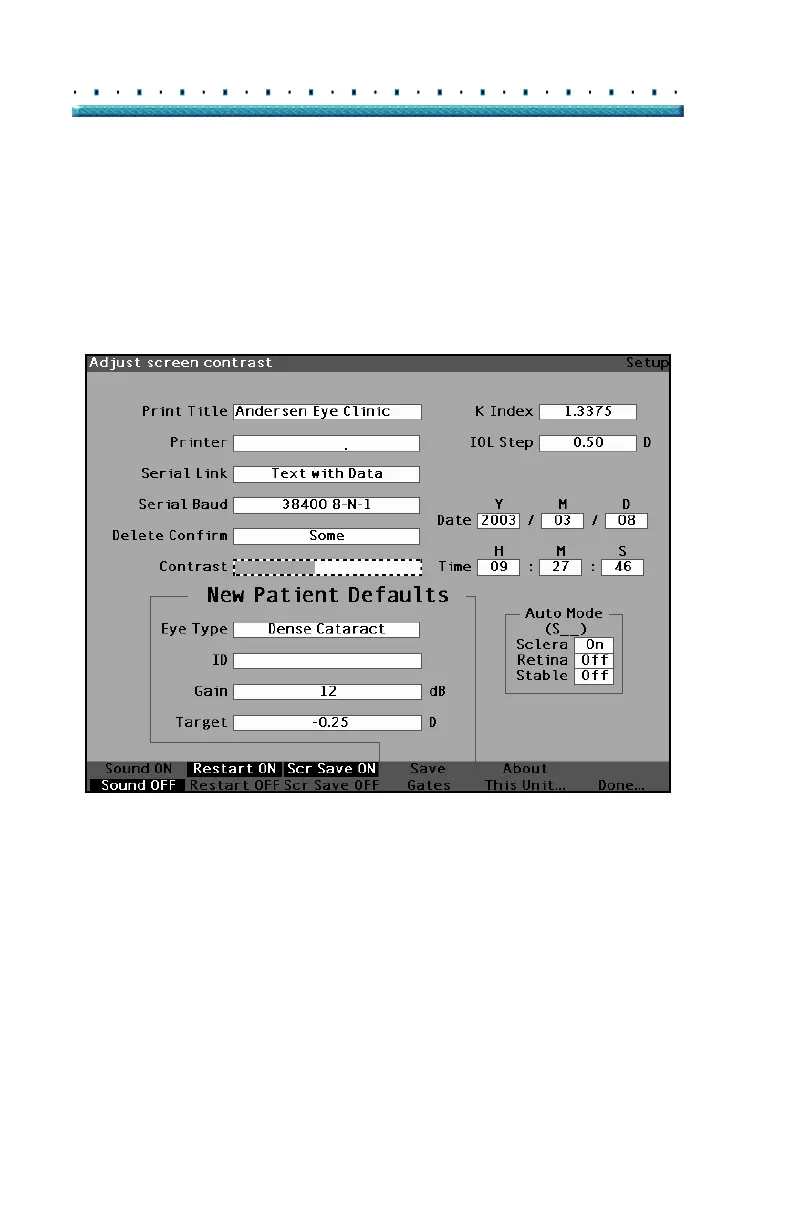
3. With the Contrast field active, rotate the knob to
adjust the white/grey contrast of the screen. The
amount of grey vs. white is indicated in the Con
-
trast field by a solid grey bar, that increases or
decreases as you adjust the contrast.
HP LaserJet Compatible
Figure 75 Adjusting the Contrast



 To Next Page