41
Getting Started Basic Operation
How to Take a Measurement
After you have entered all the Patient information you
should set the measurement selections to your liking.
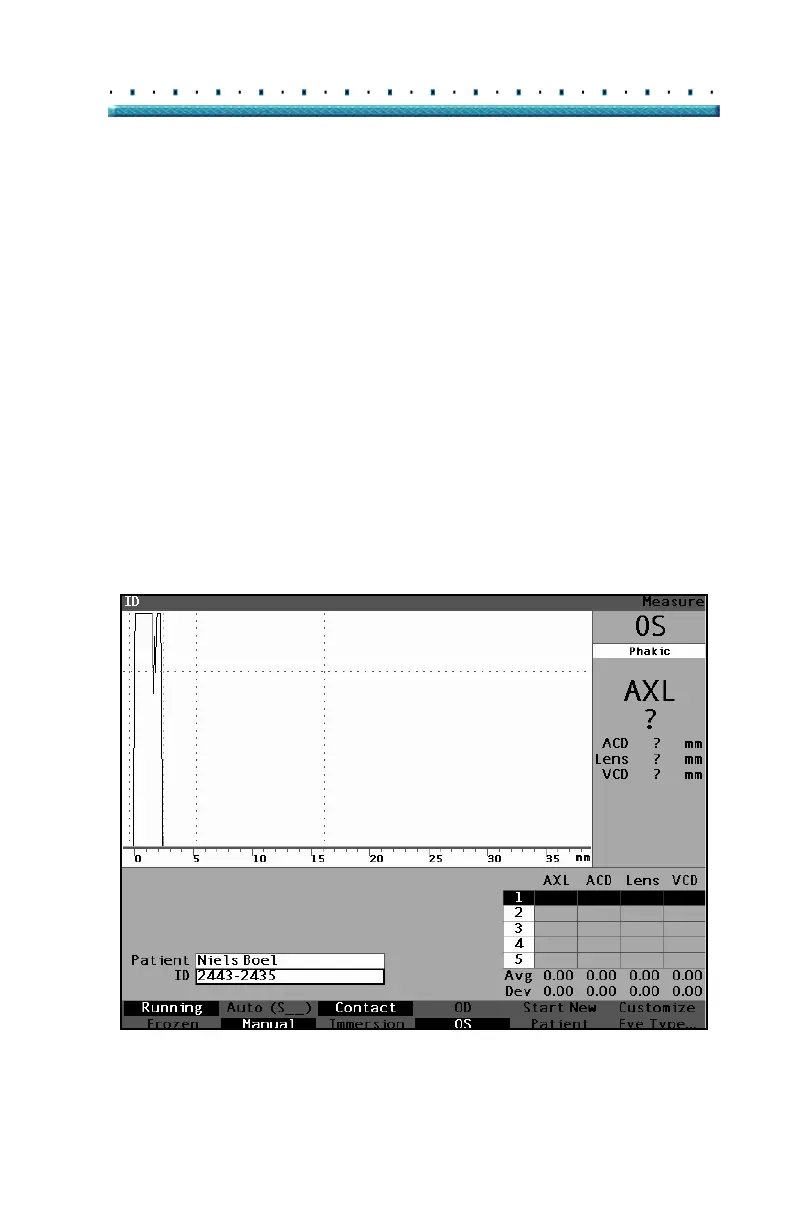
The selections you can change are:
Automatic/Manual - which method are you
using to take the measurement automatic or
manual? Automatic allows the Accutome to
determine when the probe has acquired a
measurement and manual allows the operator
to determine when to capture the waveform.
Contact/Immersion - which method of applying
the probe are you using, contact or
immersion?
OD/OS which eye are you measuring, OD or
OS?
Eye type - which type of eye are you
measuring; i.e. phakic, aphakic, dense
cataract, etc.?
Figure 24 Measurement Fields Selected



 To Next Page