150
Accutome A-Scan Plus User’s Guide
About This Unit
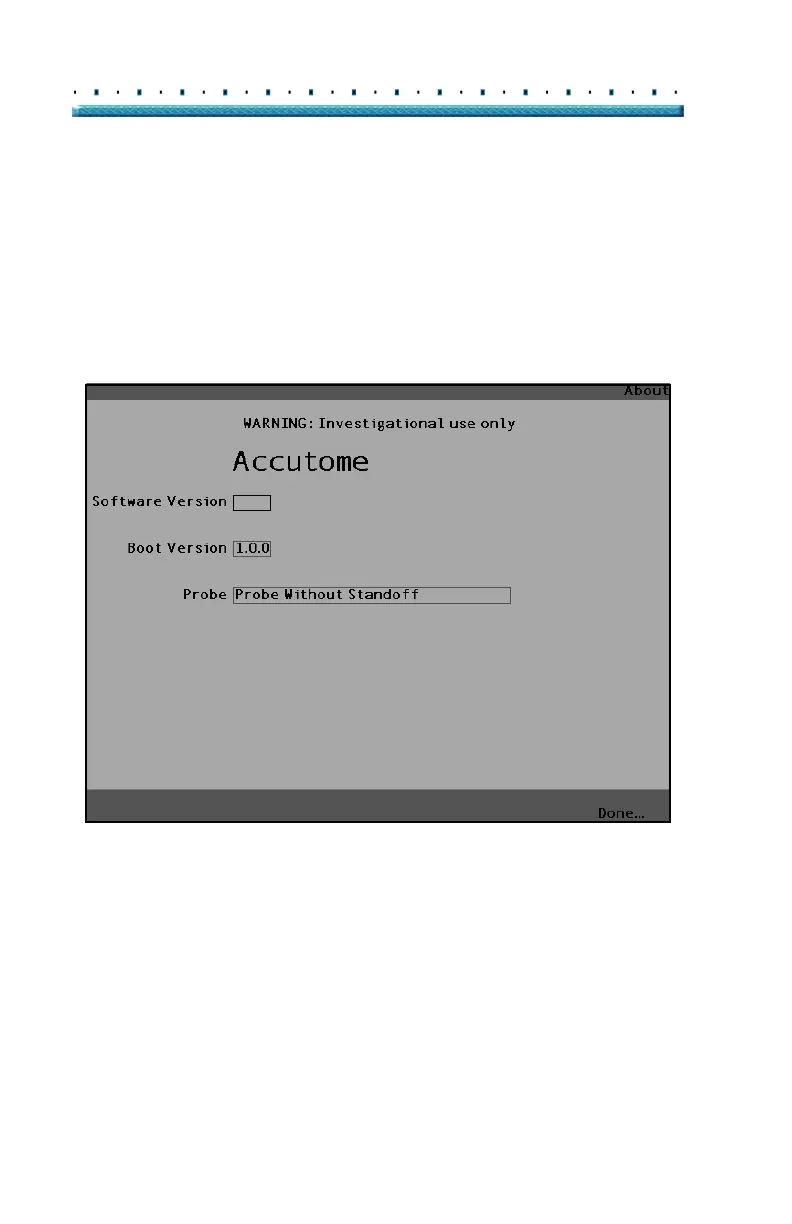
When you press the button beneath the "About This
Unit..." selection, the Accutome A-Scan Plus displays
another screen, the "About this Unit" screen as shown in
Figure 109 below. This screen is informational only and
lists the software version, boot version, and the status of
the probe. When you press the button beneath the
"Done..." selection you will return to the More Settings
screen.
A-Scan
3.0.0
Figure 109 About This Unit Screen
*Note: If setup is complete, press the button beneath the
selection "Done" and you will return to the Eye Types
Screen.



 To Next Page