45
Getting Started Basic Operation
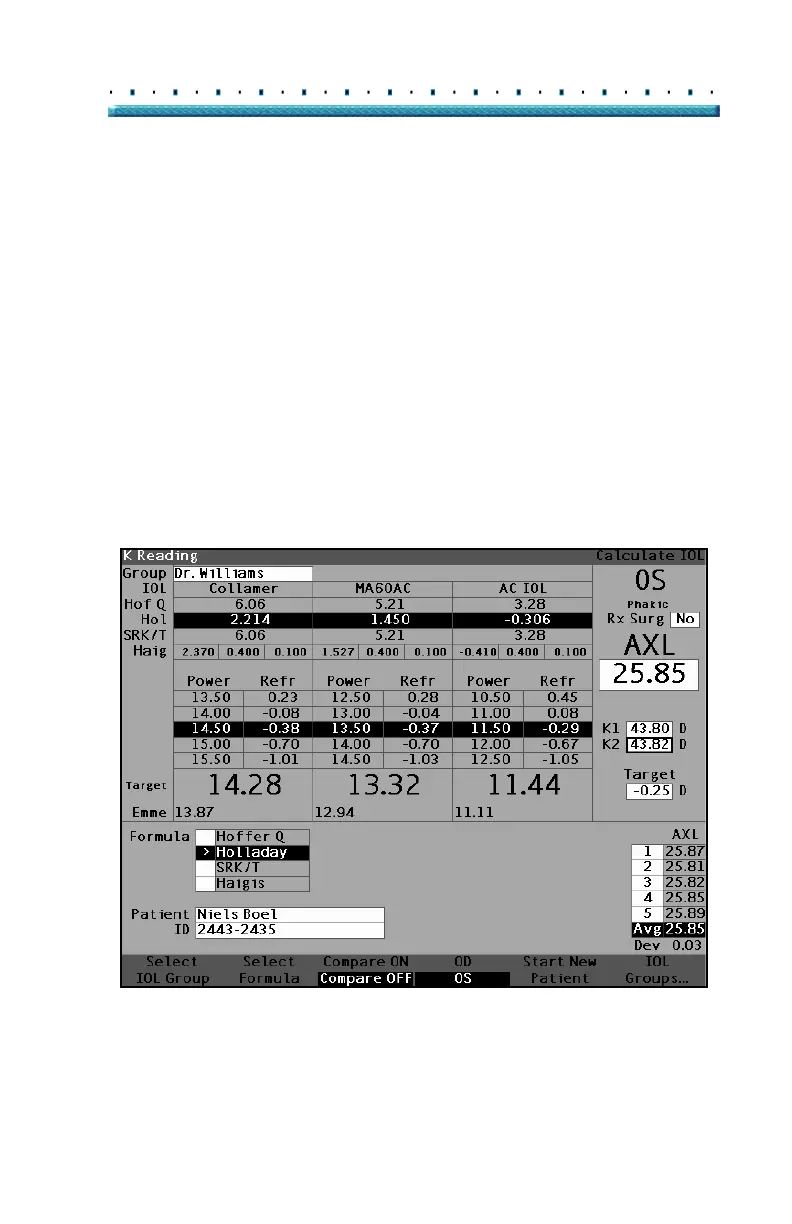
6. Enter the K1 value in the designated area as
shown in
Figure 27 below. Rotate the knob to
select the K1 field and press the knob or the √
button to activate the field. When the field is active
enter the K1 values in Diopters or mm.
7. Enter K2 value in the same manner as K1.
*Note: When you first receive the Accutome A-Scan Plus
the IOL Groups are empty. If there are no IOL
Groups present on the Calculate IOL Screen you will
not be able to perform a calculation. Refer to
"Setting Up IOL Groups" on page 215 for further
information.
Figure 27 K1, K2 Values Entered



 To Next Page