100
Accutome A-Scan Plus User’s Guide
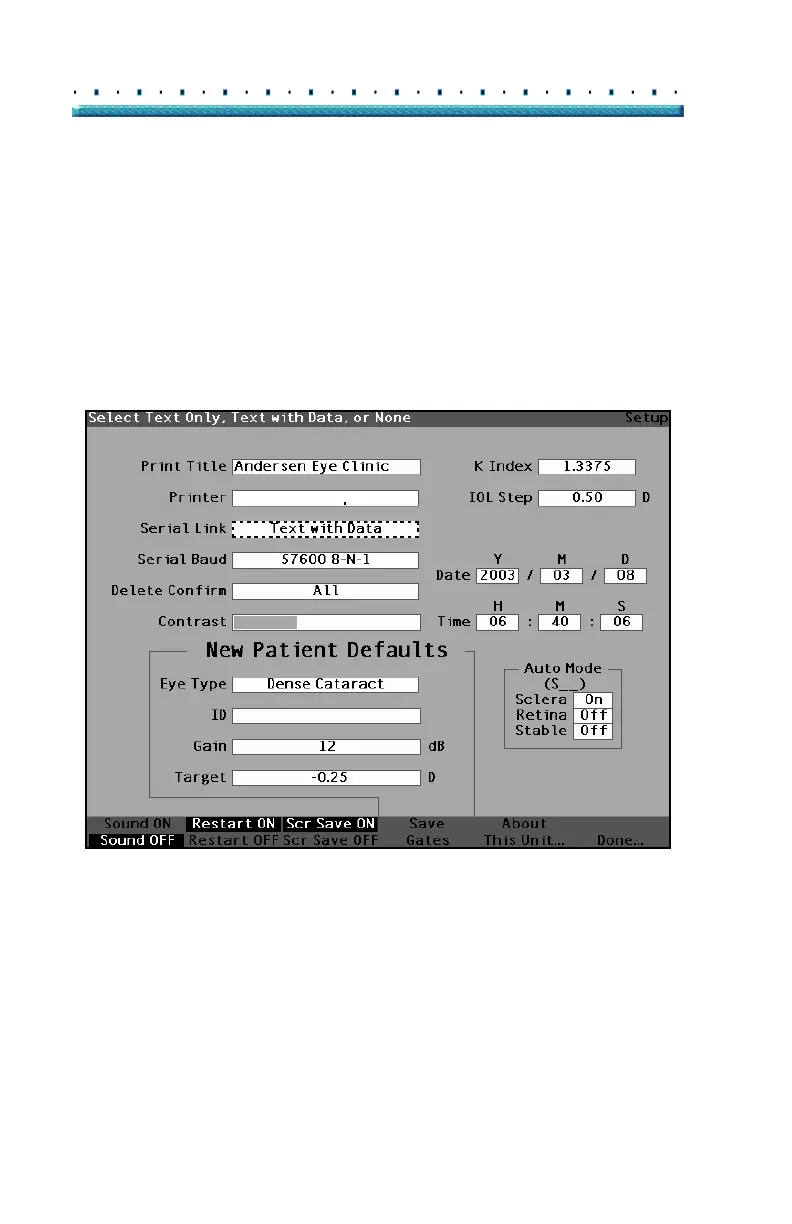
3. Within the Serial Link field, rotate the knob to
select one of the pre-entered options; Generic /
Text Only, Text with Data, or None. The applica
-
tion to which you are connecting the serial port
must be able to receive text. The Accutome A-
Scan Plus will only transmit text.
HP LaserJet Compatible
Figure 63 Selecting the Serial Link



 To Next Page